
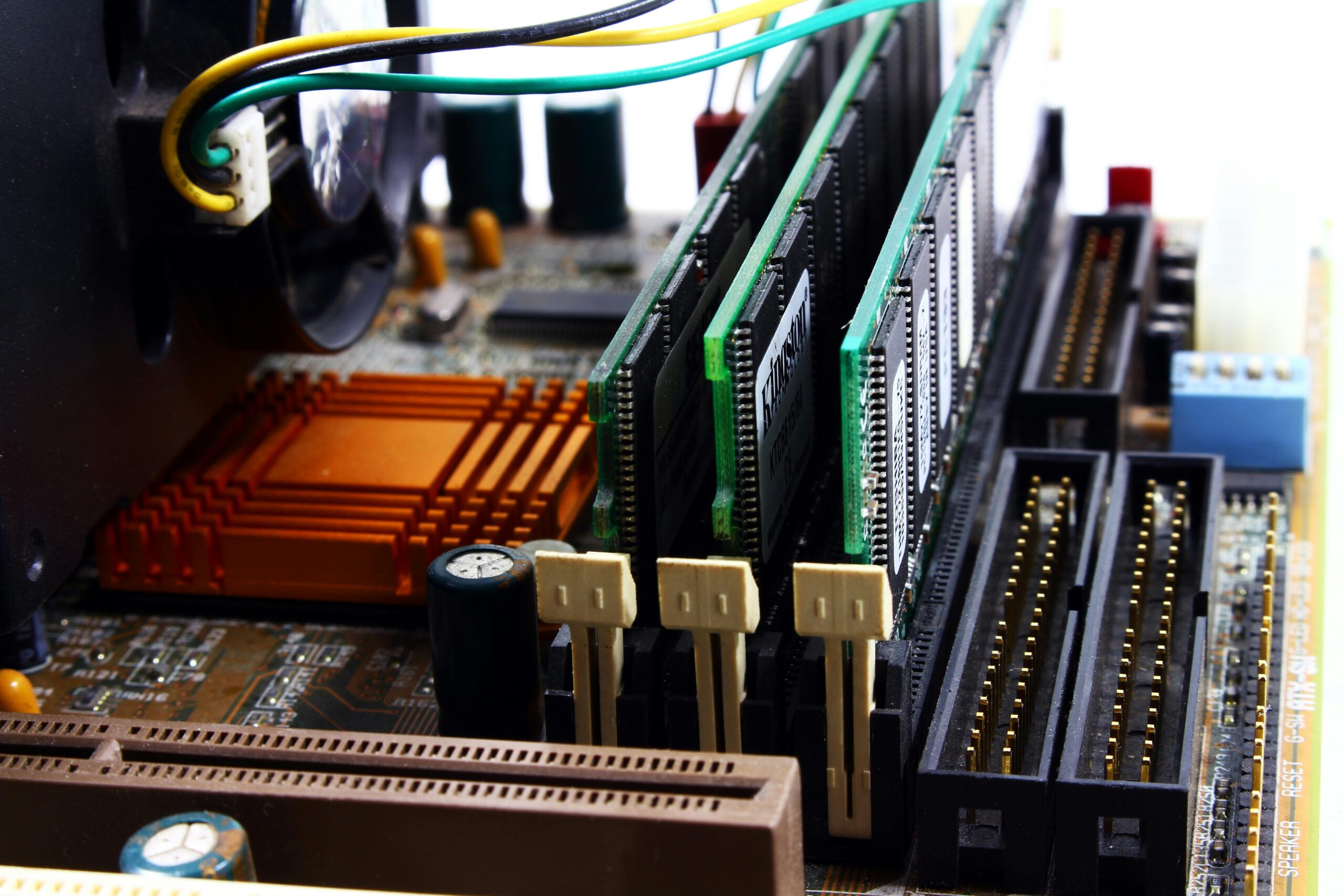

GPU Upgrade Paths for 2026 Gaming PCs
Introduction
Building or upgrading a gaming PC in 2026 requires understanding the rapidly evolving GPU landscape. With major releases from NVIDIA, AMD, and Intel reshaping performance expectations, choosing the right GPU upgrade path can significantly impact gaming performance, content creation workloads, and long-term system viability. This guide explores the most effective GPU upgrade strategies for various gaming PC configurations, taking into account new architectures, power requirements, cooling considerations, PCIe compatibility, and price-to-performance value across different budget tiers.
Why GPU Upgrade Path Planning Matters in 2026
The GPU market in 2026 is more dynamic than ever. New AI-driven rendering pipelines, advanced ray tracing acceleration, and innovations in upscaling technology have pushed performance boundaries forward. However, these advancements also bring new complexities, such as increased power consumption, VRAM requirements, and motherboard compatibility factors. A well-planned upgrade path ensures your system remains capable and efficient for years to come, while avoiding mismatched components or unnecessary expenditure.
Key Factors to Consider Before Upgrading Your GPU
1. CPU Bottlenecks
Your processor plays a crucial role in maximizing GPU performance. Older CPUs may limit the benefits of a high-end GPU upgrade. Gamers using mid-tier CPUs from earlier generations should evaluate whether a system-wide upgrade is necessary to fully leverage modern GPU capabilities.
2. Power Supply Requirements
With GPUs in 2026 increasingly pushing power limits, many models now demand significantly more wattage and incorporate next-gen connectors. Ensure your PSU supports both the required wattage and the appropriate power cables.
3. VRAM Requirements for Modern Games
Games launching in 2026 often require 12–16 GB of VRAM for high settings at 1440p and above. Future-proofing means selecting a GPU with adequate VRAM headroom to handle growth in texture resolutions and ray tracing workloads.
4. Cooling and Case Airflow
Many GPUs released in 2026 feature larger heatsinks, triple-fan designs, and increased thermal output. Case airflow and clearance must be evaluated before purchasing a new card.
5. PCIe Compatibility
While PCIe 5.0 support is becoming more common, many systems still run PCIe 4.0. Understanding the performance differences helps you avoid unnecessary motherboard upgrades.
Best GPU Upgrade Paths by PC Tier
Entry-Level Systems (1080p Gaming)
Gamers currently using older GPUs such as the GTX 1650, GTX 1060, or RX 580 will see substantial performance gains from modern entry and mid-tier GPUs. These upgrades enable high settings at 1080p and even allow for light 1440p gaming.
- NVIDIA RTX 4050 / 5050 Series (Expected mid-2026)
- AMD Radeon RX 7600 / 8600 Series
- Intel Arc A580 / A780 Refresh
Recommended purchase links: Check entry-level GPU prices
Mid-Range Systems (1440p Gaming)
For gamers wanting to achieve high frame rates at 1440p with modern graphical features enabled, mid-range GPUs offer the most balanced performance-to-cost ratio.
- NVIDIA RTX 4070 / 5070
- AMD Radeon RX 7800 XT / 8800 XT
- Intel Arc A980 (Projected performance)
These GPUs excel in ray tracing performance while offering exceptional AI-accelerated upscaling benefits. They are ideal for mainstream builders who want powerful but cost-efficient upgrades.
High-End Systems (4K Gaming & Creative Workloads)
High-end systems benefit from GPUs that push the boundaries of rasterization and ray tracing performance. Gamers targeting 4K resolution with ultra settings or creators who rely on GPU-accelerated software will find immense value in the latest flagship models.
- NVIDIA RTX 4080 Super / 5080
- AMD Radeon RX 7900 XTX / 8950 XTX
These GPUs typically support advanced hardware-accelerated video encoding, larger VRAM pools, and superior ray tracing throughput. Builders planning to upgrade from older high-end cards like the RTX 3080 or RX 6800 XT will experience massive performance leaps.
GPU Upgrade Comparison Table for 2026 Gaming PCs
| Current GPU | Recommended 2026 Upgrade | Performance Improvement* | Notes |
| GTX 1060 | RX 7600 / RTX 4050 | Up to 250% | Best for 1080p gamers |
| GTX 1660 Super | RTX 4060 / RX 7600 XT | 150–200% | Enables ray tracing and DLSS |
| RTX 2060 | RTX 4070 / RX 7800 XT | 140–220% | Great 1440p gaming performance |
| RTX 3080 | RTX 5080 / RX 8950 XTX | 70–140% | Strong upgrade path for 4K |
| RX 6800 XT | RTX 4080 Super / RX 8950 | 60–120% | Improved ray tracing and AI performance |
*Performance improvements are estimates based on industry benchmarks and projections.
Future-Proofing Your GPU Purchase
With the rapid evolution of rendering technologies, selecting a GPU that remains viable beyond 2026 is essential. Future-proofing involves not only raw performance but also feature support such as enhanced ray tracing, AI-assisted rendering, and advanced video encoding for streamers and creators.
VRAM Considerations
Gamers should consider GPUs with at least 12–16 GB of VRAM to ensure smooth performance with upcoming AAA titles. For 4K gaming or creative workloads, 16–24 GB is recommended.
AI and Upscaling Technologies
DLSS, FSR, and XeSS continue to evolve, offering more substantial visual improvements and higher frame rates. GPUs with next-generation Tensor, AI, or Matrix cores provide an advantage in modern and future games.
Best GPU Upgrade Paths Based on Your System Age
Upgrading a 2018–2020 System
If your system originates from this era, chances are the CPU may bottleneck modern GPUs. Consider upgrading both the GPU and CPU, especially for high-end performance targets.
Upgrading a 2021–2023 System
Most systems from this period will support modern GPUs without major compatibility issues. CPUs like the Ryzen 5000 and Intel 12th Gen still perform well with 2026 GPUs.
Upgrading a 2024–2025 System
These systems are well-positioned for drop-in GPU upgrades, especially if equipped with PCIe 4.0 or 5.0 motherboards. Your PSU may already support next-gen GPU power connectors.
When to Wait Instead of Upgrading
Some builders may benefit by delaying their upgrade until late 2026 when the next wave of GPUs launches. This is especially true for gamers with mid-range cards from recent years, as the price-to-performance jump may not justify immediate upgrades.
Recommended Builds & Upgrade Examples
Budget Upgrade Example
CPU: Ryzen 5 5600
GPU Upgrade: RX 7600
Result: Ideal for 1080p high settings and moderate 1440p gaming.
Mid-Range Upgrade Example
CPU: Intel i5-12600K
GPU Upgrade: RTX 4070 Super
Result: Excellent for 1440p ultra settings, solid for 4K.
High-End Upgrade Example
CPU: Ryzen 9 7900X
GPU Upgrade: RTX 5080
Result: Enthusiast-level 4K performance with exceptional ray tracing.
Internal Resources
For more detailed component guides and build tips, visit our PC hardware hub.
Frequently Asked Questions
What GPU is best for upgrading older gaming PCs?
For older systems from 2017–2019, the RX 7600 or RTX 4060 are excellent choices due to low power requirements and strong performance per dollar.
Is PCIe 5.0 required for 2026 GPUs?
No. PCIe 4.0 remains sufficient for nearly all gaming workloads, and even PCIe 3.0 can support many mid-range GPUs without significant bottlenecks.
How much VRAM should I aim for in 2026?
A minimum of 12 GB is recommended for future-proofing, while high-end gamers should target 16 GB or more.
Will my power supply support next-gen GPUs?
Check your PSU wattage and connector support. Many 2026 GPUs use updated power connectors that older PSUs may not support.
Conclusion
Upgrading your GPU in 2026 requires careful consideration of performance targets, component compatibility, and future-proofing needs. Whether you’re gaming at 1080p, 1440p, or pushing into 4K territory, selecting the right upgrade path ensures your system remains powerful and efficient for years to come. With thoughtful planning, your gaming PC will be ready to handle the demanding titles and cutting-edge rendering technologies shaping the future of gaming.



Leave a Reply