
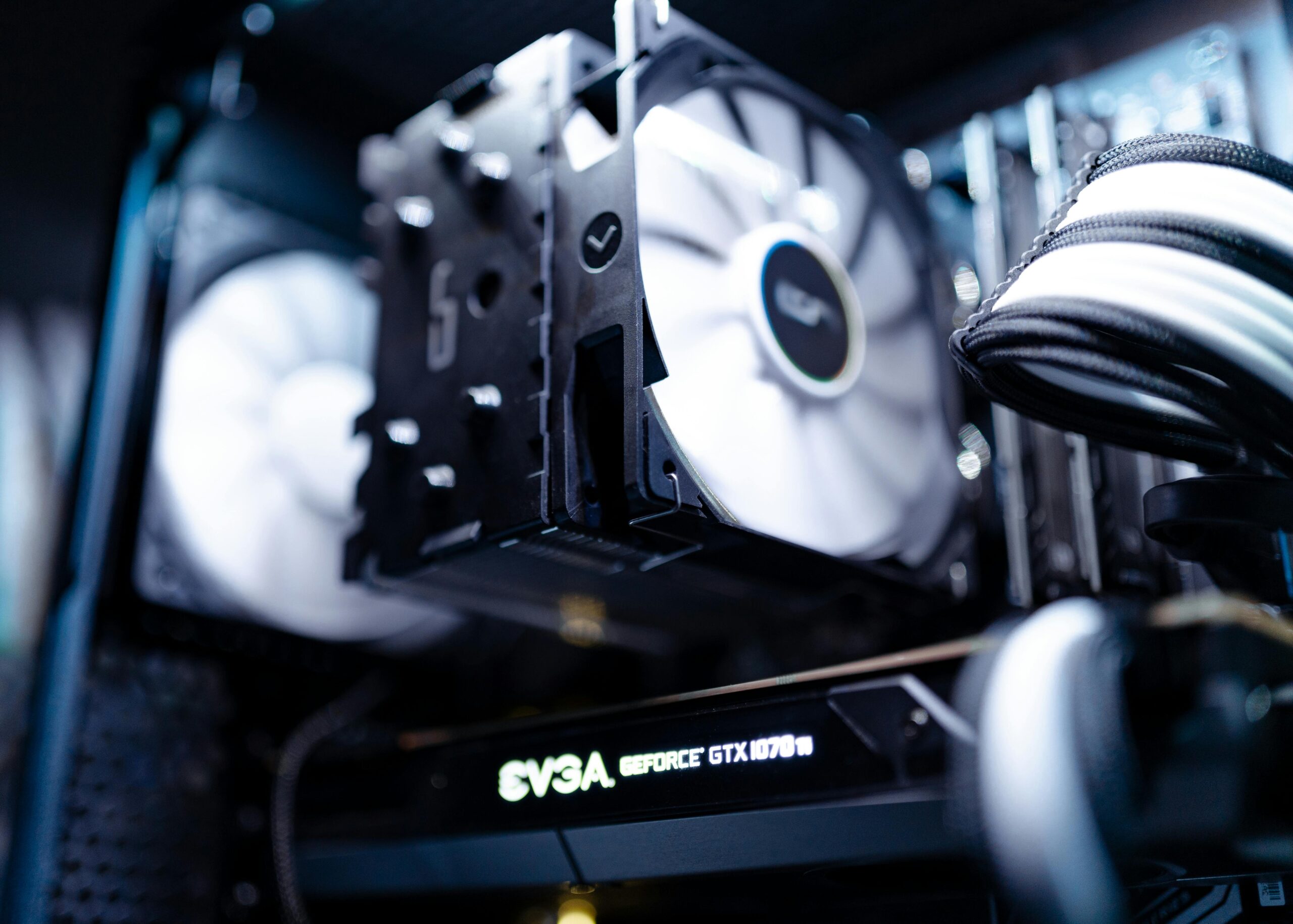

CPU Cooling with AIO Liquid Coolers: Complete Guide for Maximum Performance
Introduction to AIO Liquid Coolers
Modern CPUs generate significant heat, especially under heavy workloads such as gaming, rendering, or multitasking. To maintain stable performance and extend hardware lifespan, an efficient cooling solution is essential. All-in-one (AIO) liquid coolers have quickly become one of the most popular cooling options for PC enthusiasts because they offer superior thermal performance, sleek aesthetics, and quieter operation compared to traditional air coolers.
This comprehensive guide explores everything you need to know about CPU cooling with AIO liquid coolers, including how they work, their advantages, installation strategies, maintenance requirements, and how to choose the right model for your specific needs. Whether you’re a beginner building your first PC or an enthusiast looking to upgrade, this article will help you make an informed decision.
What Is an AIO Liquid Cooler?
An AIO liquid cooler is a self-contained water cooling system designed to replace or supplement traditional air cooling. It comes pre-filled with coolant and requires no custom water-cooling knowledge. The system typically includes a pump, radiator, fans, and water block designed to fit over the CPU.
How AIO Coolers Work
The operation of an AIO cooler is simple yet highly effective:
- The pump moves coolant through tubes toward the CPU block.
- The water block absorbs heat from the CPU.
- The heated fluid flows to the radiator.
- Radiator fans dissipate the heat into the air.
- The cooled fluid returns to the pump to repeat the cycle.
Benefits of AIO Liquid Coolers
There are several reasons why AIO coolers have become a top choice for PC builders. Below are the key benefits that make this technology appealing for different use cases.
Superior Cooling Performance
AIO coolers provide more efficient heat dissipation than most air coolers, especially when paired with larger radiators such as 280mm or 360mm models. This results in lower temperatures during heavy workloads and overclocking sessions.
Reduced Noise Levels
Because liquid transfers heat more efficiently than air, fans do not need to spin as fast, resulting in a quieter PC environment. Many AIO pumps are also engineered to operate silently.
Space-Saving Design
AIO coolers eliminate bulky CPU air coolers, leaving more room around the motherboard and improving overall system airflow. This is especially beneficial in compact cases or builds with tall RAM modules.
Aesthetic Appeal
Modern AIOs often come with customizable RGB lighting, sleek tubing, and stylish pump block designs. They enhance the visual appeal of your PC, which is ideal for enthusiasts who value aesthetics as much as performance.
Choosing the Right AIO Liquid Cooler
Selecting the best AIO cooler depends on several factors. Below is a detailed guide to help you identify the right solution for your setup.
Radiator Size
The radiator size significantly impacts cooling performance. Larger radiators offer better heat dissipation.
- 120mm – Suitable for compact builds, but limited performance.
- 240mm – Balanced option for mid-range CPUs.
- 280mm – Excellent cooling performance with lower noise levels.
- 360mm – Best for high-end processors and overclocking.
Case Compatibility
Not all PC cases support all radiator sizes. Always check your case specifications before purchasing an AIO cooler. You can check compatible cases at {{INTERNAL_LINK}}.
Pump and Fan Quality
High-quality pumps ensure long-term reliability, while premium fans enhance cooling efficiency. Look for models with PWM fans, hydrodynamic bearings, and noise-reduction features.
Build Materials
Materials such as copper cold plates, aluminum radiators, and reinforced tubing contribute to durability and thermal efficiency.
Budget
AIO coolers vary widely in price. Entry-level models start affordably, while high-end RGB units may cost significantly more. Compare top models at {{AFFILIATE_LINK}} to find options within your budget.
Comparison: AIO Coolers vs. Air Coolers
Choosing between AIO and air cooling depends on your performance needs, noise preferences, and budget. Below is a detailed comparison to help you decide.
| Feature | AIO Liquid Cooler | Air Cooler |
| Cooling Performance | Excellent, especially with large radiators | Good for mid-range CPUs |
| Noise Levels | Generally quieter | Can be louder under load |
| Installation Difficulty | Moderate | Easy |
| Maintenance | Minimal | Very low |
| Aesthetics | Sleek, modern, customizable RGB | Less visually appealing |
| Cost | Higher | Lower |
Installing an AIO Liquid Cooler
Although AIO coolers are designed for convenience, proper installation is essential for optimal performance. Below is a simple guide to installing an AIO cooler correctly.
Step 1: Mounting the Radiator
You can mount the radiator on the top, front, or sometimes rear of the case. Top mounting usually offers the best performance due to natural heat rise.
Step 2: Installing the Fans
Fans can be set up in either push or pull configurations. Push setups generally provide better airflow performance.
Step 3: Attaching the Pump Block
Apply thermal paste (if not pre-applied), then mount the pump block onto the CPU using the provided bracket.
Step 4: Connecting Power Cables
The pump typically requires a SATA or 3-pin connector, while fans connect to the CPU_FAN or dedicated AIO pump header.
Maintenance Tips for AIO Coolers
AIO coolers require minimal maintenance compared to custom water loops, but proper care ensures long-term reliability.
Dust Management
Regularly clean dust from radiator fins and fans to maintain airflow efficiency.
Check for Pump Noise
If you hear unusual noise, ensure the radiator is mounted properly and that air isn’t trapped in the loop.
Fan Replacement
Fans may wear out over time. Consider upgrading to premium fans for improved performance and lower noise.
Top Recommended AIO Liquid Coolers
If you’re looking for expert recommendations, check out these top-performing AIO coolers available at {{AFFILIATE_LINK}}:
- Best Overall: 360mm RGB AIO Coolers
- Best Budget Option: 240mm Performance Coolers
- Best for Compact Builds: 120mm Slim Radiator Units
- Best for Silence: Low-noise Pump and Fan Systems
Frequently Asked Questions About AIO Liquid Coolers
Are AIO coolers safe?
Yes, modern AIO coolers are designed to be leak-proof and extremely reliable.
Do AIO coolers require refilling?
No. AIO systems are sealed and do not require coolant replacement.
How long do AIO coolers last?
Most AIO coolers last 5–7 years, depending on the pump quality and usage conditions.
Can AIO coolers support overclocking?
Absolutely. High-end AIOs are ideal for maintaining stable temperatures during aggressive CPU overclocking.
Are AIO coolers better than air coolers?
For high-end CPUs and aesthetic-focused builds, yes. However, air coolers remain a reliable and cost-effective option.
Conclusion
AIO liquid coolers offer an excellent balance of performance, aesthetics, and quiet operation. Whether you’re building a high-end gaming PC, creating a workstation for demanding tasks, or simply upgrading an older system, an AIO cooler can significantly improve CPU temperatures and overall system performance. Explore top-rated AIO liquid coolers at {{AFFILIATE_LINK}} and choose the perfect model for your build.



Leave a Reply