
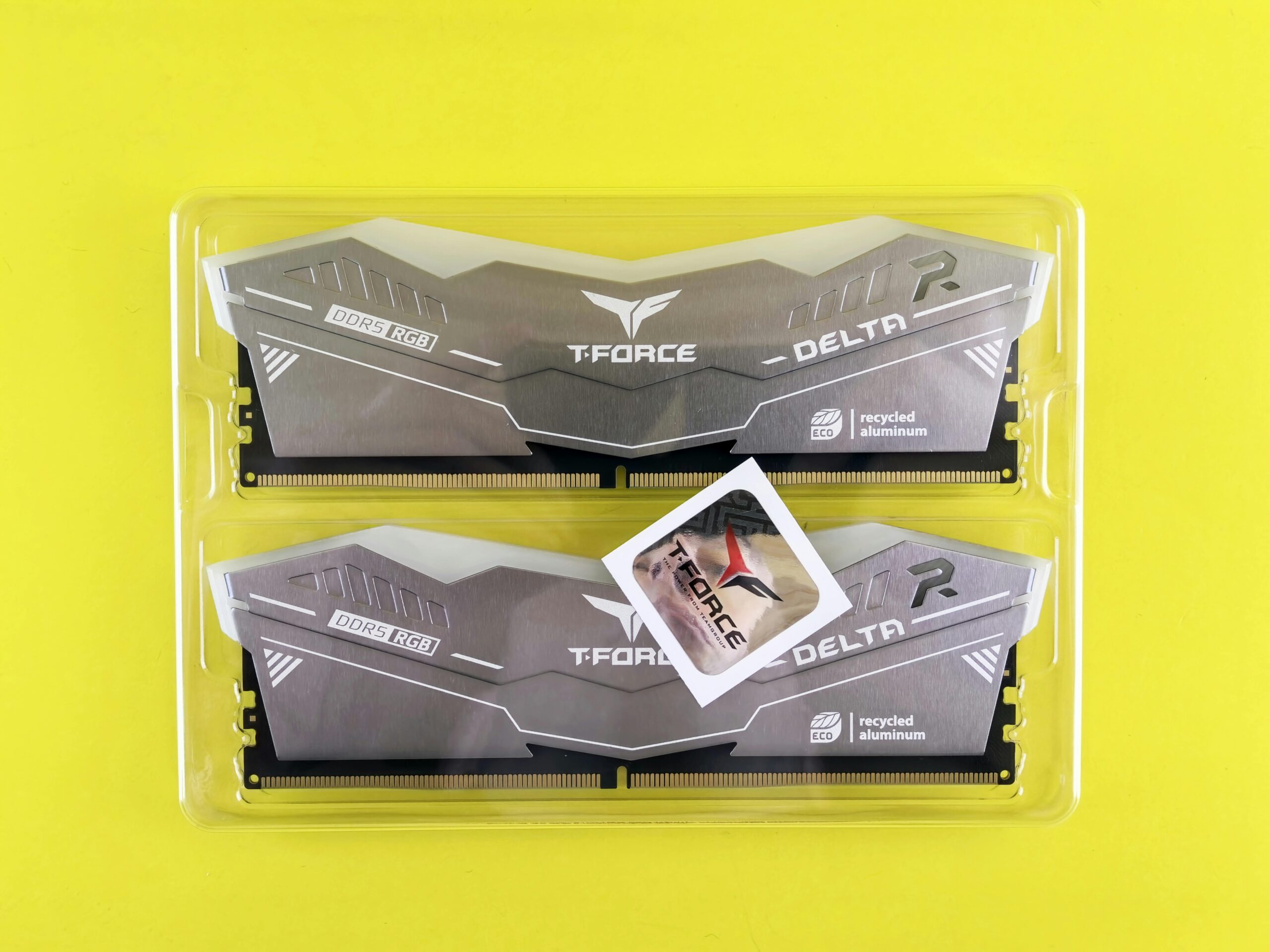

Best RAM Configurations for Dual and Quad Channel
Understanding the best RAM configurations for dual-channel and quad-channel setups is essential if you want to maximize system performance. Whether you’re a gamer, content creator, or workstation user, choosing the right memory layout can dramatically affect speed, stability, and overall responsiveness. This guide breaks down everything you need to know about dual- and quad-channel RAM configurations, including how they work, the ideal layouts, mistakes to avoid, and hardware recommendations.
What Is Memory Channel Architecture?
Memory channel architecture refers to how your CPU communicates with your RAM. Each channel represents a 64-bit data path. More channels allow greater bandwidth — meaning more data can travel between the processor and memory at once. This translates to better performance for bandwidth-heavy workloads.
Single Channel
Single-channel configuration uses one memory module. It’s the slowest option and often restricts performance in gaming and productivity workloads.
Dual Channel
Dual-channel doubles the available memory bandwidth by pairing two memory sticks. This is the most common and widely supported configuration.
Quad Channel
Quad-channel provides four channels of bandwidth simultaneously. This architecture is found in high-end desktop platforms and workstation CPUs.
Why RAM Configuration Matters
The way you arrange your RAM modules affects:
- Memory bandwidth
- System responsiveness
- Application loading times
- Multitasking performance
- Gaming frame rates
- Rendering and simulation speeds
Even with the same total amount of RAM, the configuration can either maximize or bottleneck your system.
Best RAM Configurations for Dual Channel
Dual-channel memory is supported on nearly all consumer motherboards. For optimal performance, your RAM sticks must be arranged correctly, preferably identical in size, speed, and brand.
Ideal Dual-Channel Memory Layout
Nearly all motherboards use slots labeled A1, A2, B1, and B2. For dual-channel operation, you should populate matching slots — typically A2 and B2.
- Use two identical RAM sticks
- Install them in the recommended slots (usually A2/B2)
- Match frequency, latency, and voltage
Best Dual-Channel Configurations
- 2 x 8GB (16GB total) for mid-range gaming and productivity
- 2 x 16GB (32GB total) for heavy multitasking and content creation
- 2 x 32GB (64GB total) for professional workstations
Recommended Dual-Channel RAM Kits
- Corsair Vengeance LPX 16GB (2x8GB)
- G.Skill Ripjaws V 32GB (2x16GB)
- Kingston Fury Beast 64GB (2x32GB)
Best RAM Configurations for Quad Channel
Quad-channel setups are designed for systems requiring massive memory bandwidth — engineering simulations, 3D rendering, video editing, and scientific computing. Quad-channel motherboards usually come with eight DIMM slots.
Ideal Quad-Channel Memory Layout
To achieve quad-channel operation, you must populate four matching DIMM slots according to the motherboard manual. Typically, this means filling one stick per channel group.
- Use four identical RAM sticks
- Match all timings and frequencies
- Install the RAM in the colored or grouped slots
- Prefer kits sold as a set of four
Best Quad-Channel Configurations
- 4 x 8GB (32GB total) for high-performance consumer builds
- 4 x 16GB (64GB total) for professional creators
- 4 x 32GB (128GB total) for workstation power users
Recommended Quad-Channel RAM Kits
- G.Skill Trident Z Neo 32GB (4x8GB)
- Corsair Dominator Platinum RGB 64GB (4x16GB)
- Crucial Pro DDR4 128GB (4x32GB)
Dual Channel vs Quad Channel: Performance Comparison
Memory speed depends on both frequency and bandwidth. Quad-channel setups provide significantly more bandwidth, which greatly benefits professional workloads. For gaming, however, the performance difference is usually minimal.
| Feature | Dual Channel | Quad Channel |
| Memory Bandwidth | Moderate | High |
| Ideal Use Case | Gaming, general use | Workstations, heavy workloads |
| Cost | Lower | Higher |
| Typical Configurations | 2x8GB, 2x16GB | 4x8GB, 4x16GB |
| Compatibility | Almost all CPUs | High-end CPUs only |
How Many RAM Sticks Should You Use?
Using more RAM sticks increases bandwidth but may reduce overclocking headroom. The sweet spot depends on your use case.
For Gaming
Two sticks (dual-channel) is best. Gamers should prioritize frequency and latency over quantity.
For Content Creation
Two or four sticks work well. Quad-channel helps with video editing, 3D modeling, and large datasets.
For Workstations
Four sticks or more are ideal. Quad-channel architecture excels in thread-heavy, memory-intensive workflows.
Common RAM Configuration Mistakes
- Mixing brands or speeds
- Using single stick setups
- Ignoring motherboard slot population rules
- Buying separate kits instead of matched sets
- Incorrect BIOS settings or XMP not enabled
How to Enable Dual or Quad Channel
Memory channels enable automatically when RAM is installed in the correct slots. However, you should also enable XMP (Intel) or DOCP/EXPO (AMD) in the BIOS.
- Enter BIOS (usually Del or F2)
- Enable XMP/DOCP/EXPO
- Save and restart
Best RAM Speeds for Dual and Quad Channel
The ideal RAM speed depends on your CPU and motherboard.
For Intel Systems
- Dual-channel: 3200–4000 MHz
- Quad-channel: 3000–3600 MHz
For AMD Systems
- Dual-channel: 3200–3600 MHz recommended
- Quad-channel (Threadripper/EPYC): 2666–3200 MHz
When Quad Channel Is Worth It
Quad-channel memory is only beneficial if your workload can use the extra bandwidth. For most users, dual-channel is more than enough. But if you’re using applications like:
- Adobe Premiere Pro
- DaVinci Resolve
- Autodesk Maya
- SolidWorks
- Blender
- Machine learning frameworks
Then quad-channel architecture offers a significant performance boost.
Best Motherboards for Multi-Channel Memory
If you’re building a new PC, the motherboard determines how many memory channels you can access.
Dual Channel Motherboards
Quad Channel Motherboards
Internal Resource
For more PC hardware optimization tips, visit our detailed guide here: Advanced Memory Tuning Strategies
FAQ
Does RAM have to match for dual or quad channel?
Yes. For best results, RAM sticks should match in size, speed, and timing. Mismatched RAM may disable multi-channel mode.
Is 4 sticks better than 2?
Four sticks offer more bandwidth on quad-channel platforms, but may reduce overclocking potential on dual-channel boards.
Can I mix RAM kits?
It is not recommended. Even identical models may have slightly different components, causing instability.
Is quad channel worth it for gaming?
No. Quad-channel offers little to no improvement in gaming compared to dual-channel.
How do I know if my RAM is running in dual or quad channel?
Use tools like CPU-Z. It will display “Dual” or “Quad” under the memory tab.



Leave a Reply