
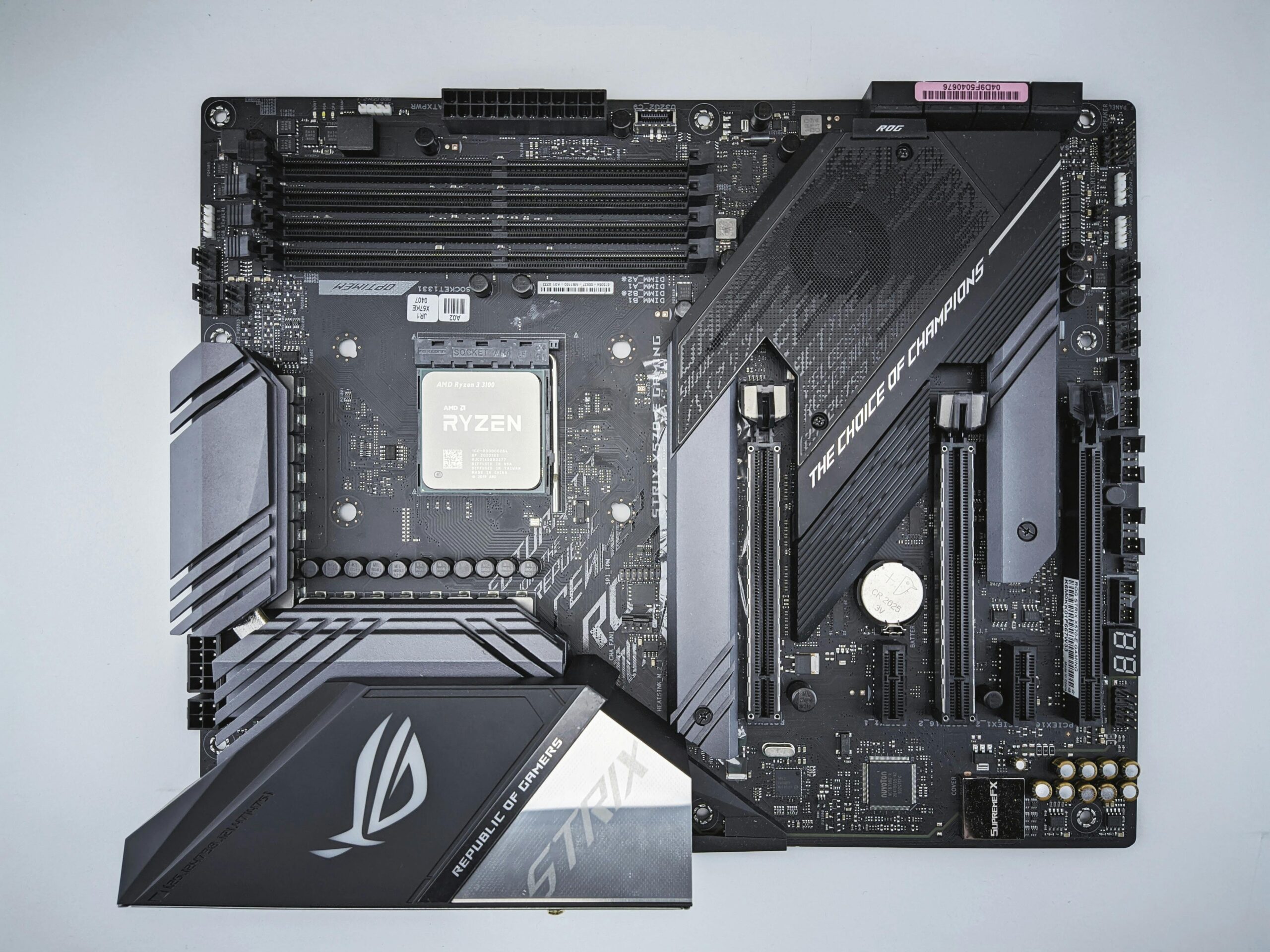

Safe Overclocking Voltages for AMD CPUs: Complete Guide for Stability and Performance
Overclocking AMD CPUs can unlock impressive performance gains, whether you’re pushing frame rates in games or accelerating productivity workloads. However, one of the most critical factors in any overclocking process is voltage. Understanding safe overclocking voltages for AMD CPUs is essential to maintaining system stability, preventing degradation, and maximizing processor lifespan. This comprehensive guide explains recommended voltages, how AMD architectures handle voltage and power, and how to optimize your setup for safe and efficient overclocking.
How CPU Voltage Affects Overclocking
Voltage (Vcore) influences how much electrical power your AMD CPU receives. Higher voltages help stabilize higher clock speeds, but excessive voltage dramatically increases heat output and electrical stress on the CPU. The key to safe overclocking is finding a balance between performance, temperature, and long‑term reliability.
- Higher voltage = more stability at higher clocks
- Higher voltage = higher temperatures
- Too much voltage = risk of CPU degradation over time
- Optimized voltage = stable overclock with safe thermals
Thankfully, AMD processors include numerous safeguards such as Precision Boost, thermal throttling, and voltage limiting, but manual overclocking can bypass some of these protections—making correct voltage settings essential.
Safe Overclocking Voltages for AMD Ryzen CPUs
The safe voltage range depends on CPU generation, microarchitecture, and cooling solution. While AMD does not publish user‑specific manual overclocking limits, data derived from community experience, AMD engineering comments, and long‑term testing helps establish safe guidelines.
Safe Voltage Guidelines by Architecture
| AMD Architecture | Safe Daily Voltage (Manual OC) | Typical Boost Voltage (Auto/PBO) |
| Ryzen 1000 (Zen) | 1.35V – 1.40V | Up to 1.45V |
| Ryzen 2000 (Zen+) | 1.35V – 1.40V | Up to 1.47V |
| Ryzen 3000 (Zen 2) | 1.25V – 1.30V | Up to 1.50V (normal transient spikes) |
| Ryzen 5000 (Zen 3) | 1.25V – 1.30V | Up to 1.50V (normal transient spikes) |
| Ryzen 7000 (Zen 4) | 1.20V – 1.30V | Up to 1.50V (normal transient spikes) |
Note that boost voltages are not indicative of safe manual overclock voltages. Automatic boost behavior uses extremely short bursts of higher voltage, which is safe because of precision power control and current limits. Sustained manual voltages are entirely different and must stay within safe thermal and electrical boundaries.
Why Higher Voltage Isn’t Always Better
Many beginners assume that adding more voltage equals more stability, but the relationship is not linear. Beyond a certain point, voltage creates excessive heat, which in turn reduces stability. Every AMD CPU has a “sweet spot” where performance and efficiency meet.
Problems Caused by Excessive Voltage
- Thermal throttling
- Increased power draw and VRM stress
- CPU degradation over time (electromigration)
- Reduced maximum boost clock behavior
Using safe voltages ensures long‑term stability and preserves the lifespan of your hardware.
Best Practices for Safe AMD CPU Overclocking
To keep your AMD processor healthy while extracting maximum performance, follow safe overclocking principles based on AMD’s architecture and temperature tolerances.
1. Prioritize Cooling Quality
Stable high‑performance overclocks require reliable thermal performance. Pairing your CPU with an efficient cooler helps maintain safe temperatures and prevents thermal throttling.
- Air coolers (Beginner friendly)
- 120mm or 240mm AIO coolers
- High-end 360mm AIOs for Zen 3 and Zen 4
- Custom water loops for extreme overclocking
If you need a cooler upgrade, check:
2. Keep Full Load Temperatures Below Target Limits
Safe temperatures vary by generation, but general guidelines include:
- Zen, Zen+, Zen 2: Keep below 85°C under load
- Zen 3: Keep below 90°C
- Zen 4: Normal operation up to 95°C by design, but lower is better for longevity
3. Use Load-Line Calibration (LLC) Carefully
LLC stabilizes voltage during heavy load but can raise voltages unexpectedly if set too aggressively. Most users should stick to middle‑tier LLC levels (e.g., LLC 3 on ASUS boards) for safe overclocking.
4. Avoid Pushing Manual Voltage for All-Core Overclocks
AMD CPUs are optimized for single‑core efficiency. All‑core manual overclocks often result in:
- Lower single‑core performance
- Higher power consumption
- More heat output
For many users, Precision Boost Overdrive (PBO) provides better results. Learn more at our internal guide:
5. Stress Test for Stability
After setting manual voltages, run stability tests:
- Prime95 (Blend or Small FFT)
- Cinebench R23 loop
- OCCT stress test
- Heavy gaming sessions
Watch temperatures carefully and track voltage behavior using monitoring tools.
Safe Voltage Recommendations for Popular AMD CPUs
Ryzen 5 5600X
The Ryzen 5 5600X is efficient and overclocks well. Safe voltage range for all‑core overclocking is 1.25V to 1.30V. With good cooling, many chips reach 4.6–4.7 GHz all‑core safely.
Ryzen 7 5800X
This CPU runs hot because of its density. Safe voltage is around 1.25V. Anything above 1.30V is not recommended for daily use.
Ryzen 9 5950X
With its 16 cores, thermal loads increase quickly. Safe manual voltage remains around 1.20V to 1.25V. PBO is usually better than manual overclocks.
Ryzen 7 7700X / Ryzen 9 7950X
Zen 4 CPUs hit high temperatures by design, but manual voltage should stay between 1.20V and 1.30V for longevity. Boost algorithms work better than manual overclocks for most users.
Safe SOC, Memory Controller, and Infinity Fabric Voltages
Recommended SOC Voltages
SOC voltage affects memory stability and performance. Recommended safe values:
- Zen 2: 1.05V – 1.10V
- Zen 3: 1.00V – 1.10V
- Zen 4: 1.00V – 1.25V
Exceeding SOC limits may cause memory controller degradation.
Infinity Fabric Voltage (VDDG)
Safe values: 0.95V – 1.05V
Memory Controller Voltage (VDDP)
Safe values: 0.90V – 1.00V
Staying within these guidelines ensures safe long‑term operation of your AMD CPU and memory subsystem.
Recommended Hardware for Safe Overclocking
To safely overclock your AMD CPU, consider upgrading cooling or motherboard VRM quality. These products are commonly recommended:
Always choose trusted brands with strong VRM performance and stable BIOS updates.
Conclusion
Safe overclocking voltages for AMD CPUs depend on architecture, cooling, and workload. Older Ryzen generations tolerate slightly higher voltages, while Zen 2, 3, and 4 require tighter limits to protect long‑term reliability. Using proper cooling, moderate voltages, and careful BIOS tuning helps you achieve stable overclocks without sacrificing CPU health. When in doubt, prioritize thermals and voltage safety over raw clock speed.
FAQ: Safe Overclocking Voltages for AMD CPUs
What is the safest voltage for overclocking AMD CPUs?
Most modern AMD CPUs remain safe between 1.20V and 1.30V for manual overclocking, depending on architecture.
Is 1.35V safe for Ryzen?
1.35V is safe for older Zen and Zen+ chips, but too high for Zen 2 and newer CPUs for daily use.
Why does my CPU hit 1.5V during boost?
This is normal behavior for AMD Precision Boost. Boost spikes are short and safe under factory settings.
Does overclocking reduce CPU lifespan?
Yes, but when using safe voltages and temperatures, the effect is minimal. Extreme voltages can shorten lifespan significantly.
Should I use PBO or manual overclocking?
PBO often provides better single-core performance and efficiency compared to manual all-core overclocks.



Leave a Reply