
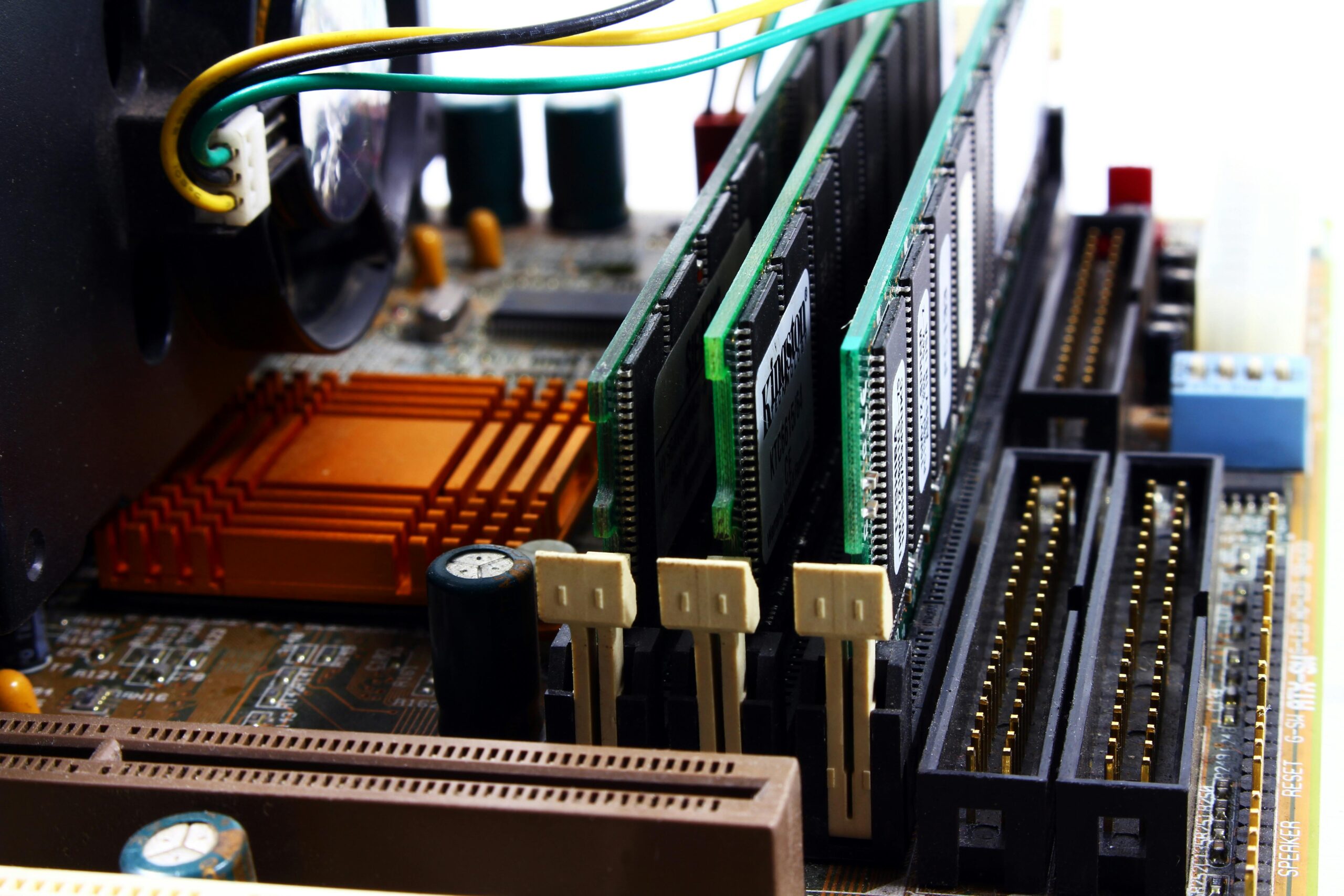

Cooling Solutions for Small Form Factor PCs
Small form factor (SFF) PCs have become one of the most popular choices among gamers, creators, workstation users, and enthusiasts who seek powerful performance in compact builds. However, the challenge of keeping these systems cool remains a major concern. Due to their reduced internal volume, limited airflow pathways, and tighter clearances, SFF systems require efficient and carefully planned cooling strategies. This comprehensive guide explores the best cooling solutions for small form factor PCs, providing practical advice, component recommendations, and installation tips to maintain optimal temperatures while maximizing performance.
Why Cooling Matters in Small Form Factor PCs
Thermal performance plays an essential role in the longevity and stability of PC components. In SFF systems, poor cooling can lead to thermal throttling, reduced component lifespan, and system instability. Compared to mid-tower or full-tower cases, SFF cases exacerbate heat buildup, making it critical to choose and install cooling solutions that efficiently handle the increased thermal density.
A well‑designed cooling solution not only ensures performance but also improves acoustics. In compact systems, fans often ramp up more aggressively when internal temperatures rise, causing noticeable noise levels. By selecting effective cooling methods and optimizing airflow, users can create powerful yet quiet SFF setups.
Main Cooling Challenges of Small Form Factor PCs
SFF cooling requires special consideration due to physical constraints. The smaller the case, the more difficult it becomes to fit traditional cooling hardware. Below are the most common cooling challenges:
- Limited radiator support for water-cooling options
- Restricted CPU cooler height preventing use of large tower coolers
- Reduced GPU clearance for multi-fan designs
- Fewer fan mount locations and airflow channels
- High heat density due to tightly packed components
- Cable clutter restricting airflow pathways
Understanding these constraints allows builders to make informed decisions on which cooling solutions will work best for their specific case and hardware configuration.
Air Cooling Solutions for SFF PCs
Air cooling remains one of the most reliable and cost‑effective options for small form factor systems. While some SFF cases limit cooler height, many low‑profile coolers offer impressive performance in compact sizes.
Low-Profile CPU Coolers
Low-profile coolers are designed specifically for SFF systems. They usually feature a top‑down airflow design, circulating air across the motherboard and VRMs along with the CPU.
Some top low-profile CPU coolers include:
- Noctua NH‑L12 Ghost S1 Edition – Available at {{AFFILIATE_LINK}}
- Scythe Big Shuriken 3 – Available at {{AFFILIATE_LINK}}
- Thermalright AXP120‑X67 – Available at {{AFFILIATE_LINK}}
These solutions provide excellent cooling for CPUs up to mid‑range TDP levels while fitting inside the height limitations of many SFF cases.
Case Fans and Airflow Optimization
Despite their size, many SFF cases support high‑quality 92 mm, 120 mm, or even 140 mm fans. Optimizing airflow is critical. Most small enclosures benefit from a simple front‑to‑back or bottom‑to‑top airflow design.
Consider these tips to improve airflow:
- Use high static pressure fans in restrictive environments
- Create a clear airflow path by managing cables meticulously
- Ensure dust filters stay clean to maintain optimal air intake
- Balance intake and exhaust for positive airflow pressure
When Air Cooling Is the Best Choice
Air cooling works exceptionally well in SFF cases with limited radiator support or when using compact CPUs with lower TDP. It is also preferred by builders who want fewer points of mechanical failure compared to liquid cooling. Many SFF enthusiasts rely on premium low‑profile coolers capable of handling modern processors while maintaining quiet operation.
AIO Liquid Cooling for SFF PCs
All-in-one (AIO) liquid coolers can offer cooling advantages in SFF builds, especially when dealing with high‑performance CPUs. However, SFF compatibility varies widely between cases. Some SFF cases support 120 mm radiators, while others accommodate 240 mm radiators, often with extremely tight tolerances.
Choosing the Right AIO Radiator Size
Radiator support depends greatly on case design. Here is a general guideline:
| Radiator Size | Cooling Capability | Typical SFF Compatibility |
| 120 mm | Moderate cooling performance suitable for mid‑range CPUs | Very common in SFF cases |
| 240 mm | High cooling performance ideal for gaming and workstation CPUs | Available in select larger SFF cases |
| 280 mm | Superior cooling but rarely supported | Rarely compatible with SFF designs |
Before purchasing an AIO cooler, always verify case measurements and radiator/fan clearance to avoid installation issues.
Benefits of Liquid Cooling in SFF Systems
Liquid cooling provides several advantages in compact builds:
- Lower CPU temperatures under sustained loads
- Ability to dissipate heat directly outside the enclosure
- Reduced noise when paired with high‑quality fans
- Greater overclocking headroom for compatible processors
Many modern SFF cases, such as those listed on {{INTERNAL_LINK}}, offer optimized radiator mounting locations to maximize cooling efficiency.
Potential Drawbacks of AIO Cooling
Despite its benefits, liquid cooling in SFF builds may introduce challenges:
- Tube routing can be difficult in tight spaces
- Pump noise may be more noticeable due to proximity
- Some radiators make RAM or GPU installation more difficult
- Clearance issues often limit fan thickness or orientation
For users considering an AIO for the first time, it is crucial to measure all components carefully and consult user build guides specific to their case model.
Cooling the GPU in Small Form Factor PCs
The graphics card is often the hottest component in a modern SFF system. Compact cases restrict GPU airflow, making cooling solutions even more important.
Blower-Style vs Open-Air GPUs
Choosing the right GPU cooler design impacts thermal performance significantly. Below is a quick comparison:
| Design Type | Advantages | Drawbacks |
| Blower-Style | Exhausts heat out the back of the case | Louder and generally hotter than open-air models |
| Open-Air | Better raw cooling performance | Recirculates hot air inside the case |
In SFF systems with dedicated GPU airflow pathways, open‑air models perform well. However, in cases with limited GPU ventilation, blower‑style cards can help maintain internal temperature stability.
Aftermarket GPU Cooling Options
Some enthusiasts choose to modify GPU cooling using:
- Custom fan curves
- Additional slim case fans mounted near the GPU
- Undervolting the GPU for reduced heat output
- Custom water blocks (for advanced builders)
Even small improvements in GPU thermals can lead to quieter performance and better sustained clock speeds.
Thermal Optimization and Cable Management
In SFF builds, cable management is not just aesthetic; it significantly impacts cooling. Poor cable routing restricts airflow and traps heat, often raising temperatures by 5°C to 10°C or more.
Tips for Effective Cable Management
- Use custom‑length cables when possible
- Route unused cables out of airflow pathways
- Select fully modular power supplies
- Use cable ties and Velcro straps to organize excess wiring
Investing in a high-quality SFF power supply, such as an SFX or SFX‑L unit available at {{AFFILIATE_LINK}}, can also improve airflow by reducing cable clutter.
Choosing the Right Case for Optimal Cooling
Some SFF cases prioritize compactness over thermal performance, while others integrate smart airflow paths designed specifically for powerful hardware. The right case makes cooling significantly easier.
When selecting an SFF case, consider:
- CPU cooler height clearance
- GPU length and available airflow
- Radiator support and mounting configurations
- Fan mount options
- Airflow mesh vs enclosed panel designs
Mesh-front and mesh-side panels improve cooling substantially in SFF systems. Cases like those recommended at {{INTERNAL_LINK}} offer high airflow designs ideal for compact gaming or productivity builds.
Best Practices for Maintaining an Efficient SFF Cooling Setup
Once the system is built, proper maintenance ensures continued performance. Dust buildup is a major concern in compact systems, as particles accumulate more quickly in tight spaces and can significantly reduce cooling efficiency.
- Clean dust filters monthly
- Replace thermal paste every 1–2 years
- Monitor component temperatures using software tools
- Keep fan curves optimized for both cooling and acoustics
Regular upkeep ensures that your SFF system runs cool and quiet throughout its lifespan.
FAQs: Cooling Solutions for Small Form Factor PCs
What is the best cooling method for small form factor PCs?
The best method depends on the case and hardware. Low‑profile air coolers work best in ultra‑compact cases, while AIO liquid coolers are ideal for builds with high‑performance CPUs and available radiator support.
Is liquid cooling safe for a small form factor PC?
Yes, liquid cooling is safe when installed correctly, but builders must ensure proper tube routing and check compatibility carefully due to clearance limitations.
How can I reduce noise in my SFF system?
Use high‑quality fans, optimize fan curves, maintain clean dust filters, and ensure components are not overheating, which often triggers aggressive fan speeds.
Do SFF cases run hotter than larger cases?
Generally, yes. Smaller internal volume leads to higher heat density, but with proper cooling strategies and component selection, temperatures can be kept under control.
Does undervolting help reduce temperatures?
Absolutely. Undervolting the CPU or GPU can lower heat output significantly without sacrificing noticeable performance.
Conclusion
Cooling a small form factor PC presents unique challenges, but with the right strategy, hardware, and airflow optimization, SFF systems can achieve exceptional thermal performance. Whether using low‑profile air coolers, compact AIO liquid coolers, or optimizing GPU airflow, builders can create efficient, powerful, and quiet compact setups. By incorporating careful planning, cable management, and routine maintenance, an SFF PC can remain cool and reliable for years to come.



Leave a Reply