
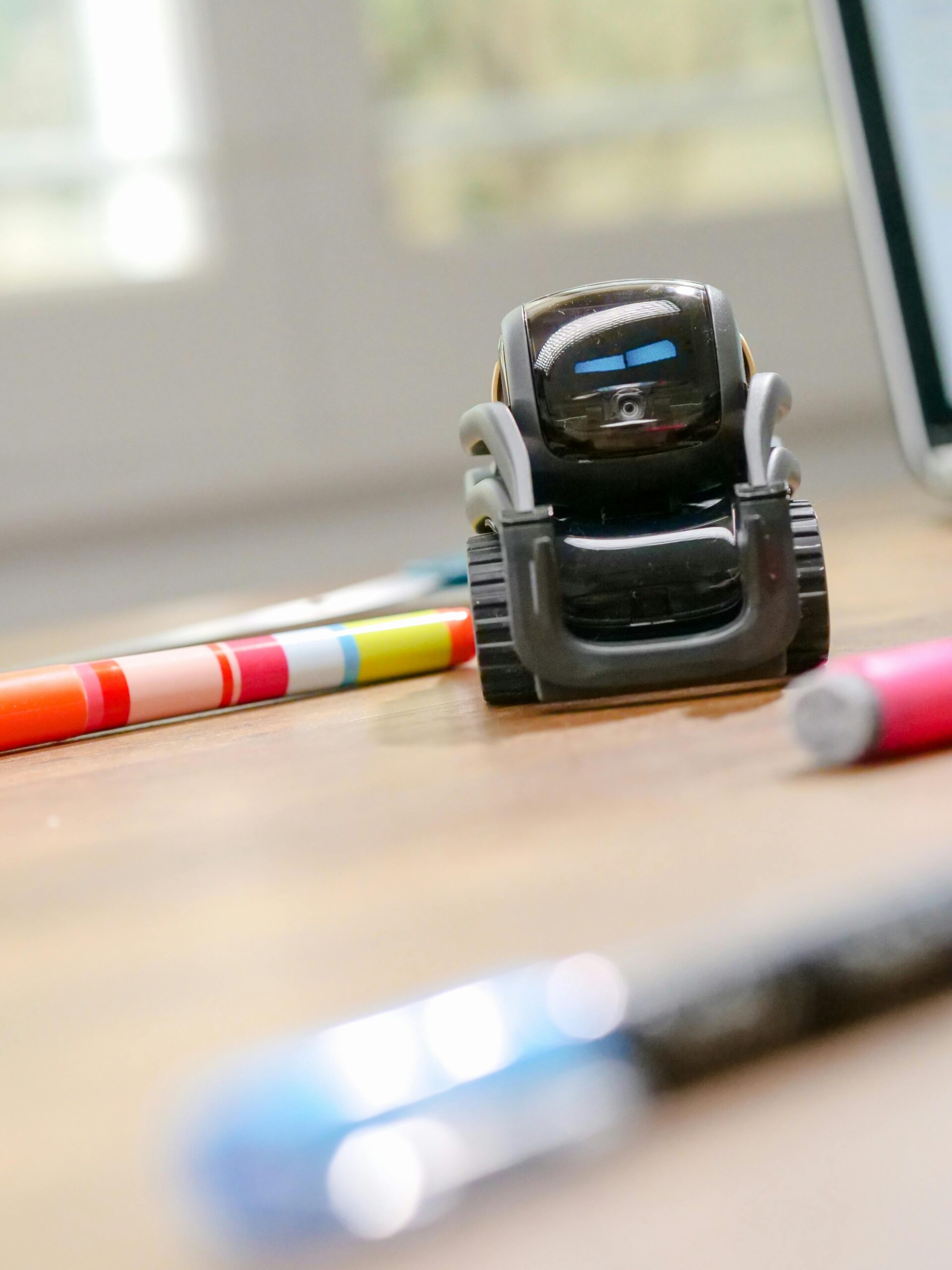

Using AI Coding Assistants to Automate Repetitive Tasks
AI coding assistants have rapidly evolved from simple autocomplete tools into powerful, intelligent systems capable of understanding context, generating high‑quality code, eliminating repetitive tasks, and accelerating software development. As engineering teams continue to face increasing pressure to deliver faster and maintain higher standards of quality, automation driven by artificial intelligence is becoming essential rather than optional.
This article explores how AI coding assistants help automate repetitive tasks, reduce error rates, improve productivity, and free developers to focus on more strategic and creative work. Whether you write code daily or manage technical teams, understanding how to leverage AI effectively can dramatically reshape your development workflow.
What Are AI Coding Assistants?
AI coding assistants are tools built on large language models and machine learning algorithms that assist developers by understanding natural language queries, generating code, interpreting existing code, and performing development tasks with minimal manual input. Modern solutions can integrate directly into IDEs, version control systems, CI/CD pipelines, and cloud-based development environments.
Unlike traditional code editors or autocomplete plugins, today’s AI assistants provide advanced capabilities such as:
- Context-aware code generation
- Debugging assistance and error explanations
- Automated documentation creation
- Boilerplate and template generation
- Workflow automation
- Test case generation
- Refactoring and optimization suggestions
These capabilities significantly reduce time spent on repetitive tasks and empower developers to work more efficiently and creatively.
How AI Coding Assistants Automate Repetitive Tasks
Repetition is unavoidable in software development: writing similar functions, debugging common errors, producing documentation, formatting code, or generating tests. AI assistants excel at removing these repetitive burdens. Below are some of the most transformative automation capabilities.
1. Generating Boilerplate Code Instantly
Writing boilerplate code is often one of the most time-consuming and monotonous parts of development. AI coding assistants can generate entire structures within seconds, such as:
- API endpoint templates
- Class definitions and constructors
- Configuration files
- Database models
- Common utility functions
Instead of spending 10–20 minutes setting up repetitive components, developers can instruct the AI to generate everything using a simple prompt like “Create a REST API controller for user authentication in Python.”
2. Automating Unit and Integration Test Creation
Quality assurance is essential, but writing tests manually can be tedious. AI assistants analyze existing code and produce comprehensive test cases based on logic flow and expected behaviors. This automation contributes to higher code coverage and improved reliability while saving time.
3. Automatic Code Refactoring
Refactoring is necessary to maintain clean and scalable codebases, yet developers often postpone it due to time constraints. AI can:
- Identify redundant or inefficient code blocks
- Suggest optimized snippets
- Improve naming conventions
- Reorganize code structure
- Remove unused variables and imports
This level of automation not only enhances performance but also ensures consistency across large teams.
4. Automated Documentation and Comment Generation
Documentation is one of the most overlooked aspects of development. AI tools can generate descriptive comments, docstrings, and developer documentation from code. For example, AI can instantly produce:
- Explain-it-like-I’m-five summaries
- Technical documentation for APIs
- Flow explanations for complex functions
- Inline comments describing logic
This is especially useful when onboarding new developers or maintaining legacy codebases.
5. Debugging and Error Fix Automation
AI coding assistants can automatically identify bugs, explain error messages in plain language, and propose exact fixes. In many cases, they can even apply corrections directly to the code. This eliminates the time spent searching through documentation or online forums.
6. Database Query and Schema Automation
Developers frequently write repetitive SQL queries, migration scripts, and schemas. AI automation accelerates these tasks by generating structured queries and optimized database layouts based on developer instructions.
Benefits of Automating Repetitive Tasks with AI Coding Assistants
Automating repetitive tasks yields significant productivity and quality improvements. Below are the primary benefits developers experience when integrating AI into their coding workflows.
Reduced Development Time
Tasks that once took hours can now be completed in minutes. The time saved can be redirected toward feature innovation, architecture planning, and creative problem-solving.
Higher Code Quality
AI promotes cleaner and more consistent code by identifying errors, improving formatting, and suggesting optimizations automatically.
Improved Developer Experience
By offloading monotonous tasks, developers experience less frustration and burnout. Teams can operate more efficiently and with greater job satisfaction.
Scalability Across Teams
AI assistants make it easier to maintain uniform coding practices in large organizations. Consistency improves collaboration, onboarding, and long-term maintainability.
Popular AI Coding Assistants to Automate Repetitive Tasks
Many tools on the market help streamline repetitive development tasks. Here is a simplified comparison.
| AI Tool | Best For | Key Features |
| GitHub Copilot | General coding automation | Autocompletion, test generation, documentation |
| Amazon CodeWhisperer | AWS ecosystem automation | Cloud integrations, security scans, code generation |
| Tabnine | Privacy-focused teams | On-device models, secure enterprise options |
| OpenAI-based IDE assistants | Natural language workflows | Powerful reasoning, multi-language support |
To explore these tools further, you can visit {{AFFILIATE_LINK}} or check related resources at {{INTERNAL_LINK}}.
Best Practices for Using AI Coding Assistants
To get the most value out of AI automation, developers should follow strategic best practices.
Use Clear and Structured Prompts
The quality of output is directly tied to the clarity of your input. Well-structured instructions yield better results.
Maintain Human Oversight
AI-generated code should always be reviewed, even if it appears accurate. Human judgment remains essential.
Integrate AI Across the Entire Workflow
Use AI not just for code generation but for testing, debugging, documentation, and deployment processes.
Encourage Team-Wide Adoption
When teams adopt AI tools collectively, productivity scales exponentially and best practices become consistent.
Future of Automation with AI Coding Assistants
As AI technology continues advancing, automation will extend far beyond repetitive tasks. Future capabilities may include:
- Full project scaffolding from natural language descriptions
- Intelligent code reviews with automatic approvals
- Predictive debugging that prevents issues before they occur
- Self-healing code and autonomous refactoring
- Dynamic optimization based on real-time performance data
These advancements will allow developers to operate at a higher strategic level, focusing on architecture, innovation, and solving complex business problems.
Conclusion
AI coding assistants are transforming software development by automating repetitive tasks that slow down productivity and undermine developer satisfaction. Through code generation, debugging, documentation automation, test creation, and refactoring, AI tools make programming faster, cleaner, and more efficient. Teams that integrate these tools into daily workflows will gain a significant competitive advantage.
If you’re ready to boost your productivity with AI-assisted development, explore top AI coding tools here: {{AFFILIATE_LINK}} and learn more about automation strategies at {{INTERNAL_LINK}}.
FAQ
How do AI coding assistants improve productivity?
They automate repetitive tasks like writing boilerplate code, generating tests, fixing bugs, and creating documentation, freeing developers to focus on more important work.
Are AI-generated code snippets reliable?
They are generally reliable but must be reviewed by developers to ensure accuracy, performance, and security.
Can AI assistants replace developers?
No. AI enhances developer productivity but cannot replace human decision-making, creativity, or architectural judgment.
Which programming languages work best with AI coding assistants?
Most assistants support popular languages such as Python, JavaScript, Java, C#, Go, and more. Support continues to expand.
Are AI coding assistants secure?
Enterprise-focused tools offer strong privacy protections. Always choose trusted providers and review their data policies.



Leave a Reply