
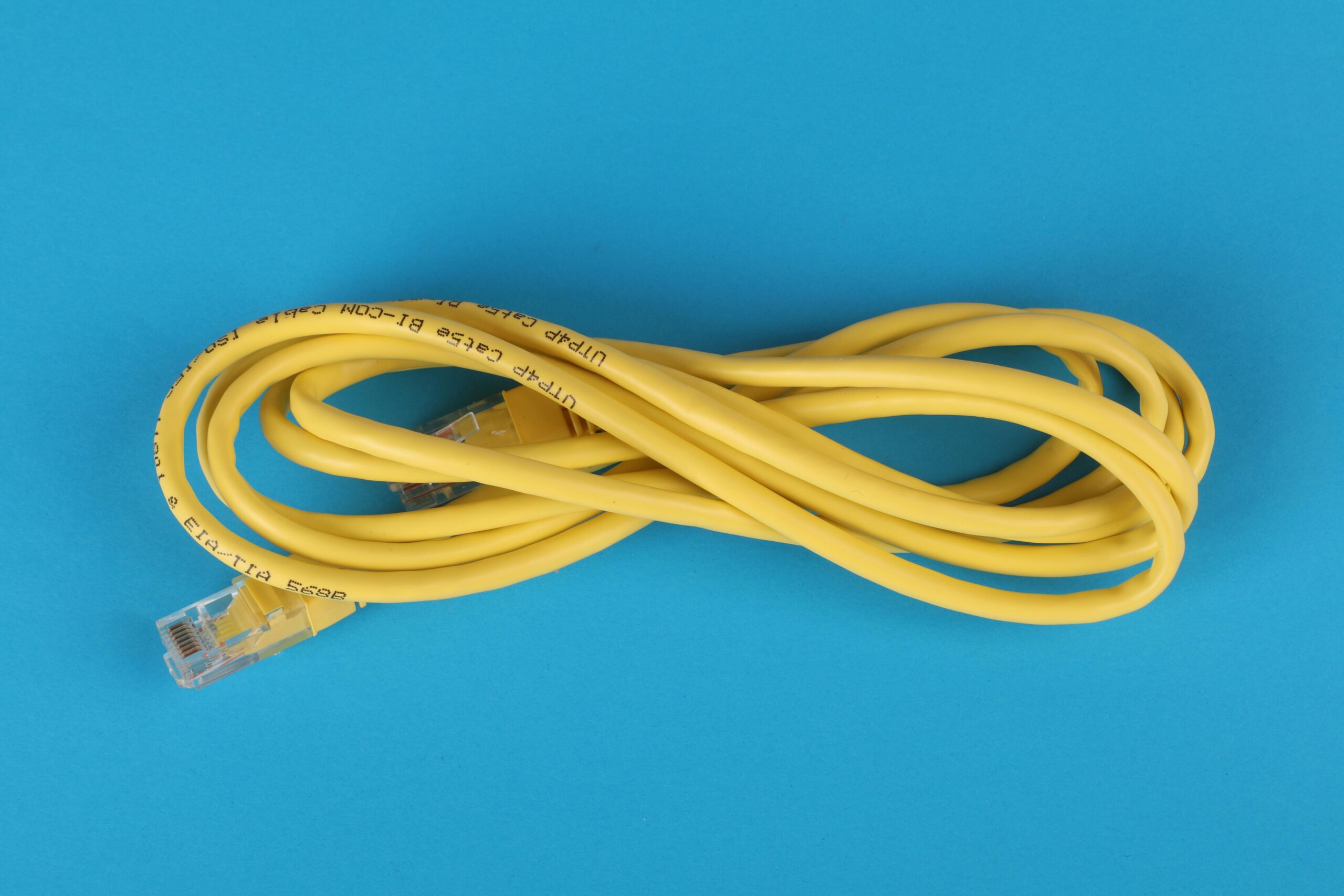

Network Configuration for Home Labs: Complete Guide for Modern Home Lab Enthusiasts
Building a home lab is one of the best ways to learn networking, system administration, virtualization, and security. Whether you’re a beginner experimenting with virtual machines or an advanced user simulating enterprise-grade environments, proper network configuration is essential. A well-designed network architecture ensures performance, security, scalability, and stability—four pillars that separate a hobby setup from a professional-grade home lab.
This guide provides a comprehensive overview of setting up network configurations tailored specifically for home labs. From IP planning and VLAN segmentation to routing, firewalling, and recommended hardware, you’ll find everything you need to design an efficient and secure environment.
Why Network Configuration Matters in Home Labs
Many aspiring engineers start home labs using default router settings, but as your environment grows, this becomes limiting. Proper network configuration provides:
- Better performance across devices and services
- Improved security via segmentation and firewall rules
- Scalability as your lab expands
- Real-world learning by mirroring enterprise setups
- Enhanced troubleshooting experience
Whether you’re studying for IT certifications or running real workloads, advanced networking unlocks the full potential of your home lab.
Essential Components of a Home Lab Network
Before diving into configuration strategies, it’s important to understand the components that shape a home lab network. Every setup is unique, but most include some variation of:
- Router or firewall appliance
- Managed or smart switch with VLAN support
- Wireless access point
- Servers or hypervisors (e.g., Proxmox, VMware ESXi, XCP-ng)
- Network-attached storage (NAS)
- IoT and smart home devices
The specific devices you choose determine the capabilities and complexity of your network design.
Planning IP Addressing for Home Labs
Proper IP addressing is the foundation of network configuration. Many beginners rely on default 192.168.0.0/24 ranges, but home labs benefit from structured planning.
Choosing Subnets
Common home lab networks use one of these private IP ranges:
- 10.0.0.0/8
- 172.16.0.0/12
- 192.168.0.0/16
The 10.0.0.0/8 range is the most flexible because it supports large subnetting without conflict.
Subnetting for Organization
Segmenting devices into separate subnets helps maintain order and security. Example structure:
- 10.0.10.0/24 – Management network
- 10.0.20.0/24 – Servers and hypervisors
- 10.0.30.0/24 – Storage/NAS
- 10.0.40.0/24 – IoT network
- 10.0.50.0/24 – Guest WiFi
- 10.0.60.0/24 – Lab/testing VMs
Using a consistent scheme reduces confusion as the network grows.
Using VLANs for Segmentation
Virtual LANs (VLANs) allow you to isolate groups of devices without needing separate physical switches. VLANs are essential for:
- Separating lab traffic from home devices
- Enhancing security
- Organizing networks by function
- Reducing broadcast traffic
- Simulating enterprise networking
Common VLAN Assignments
Here is an example VLAN design for home labs:
| VLAN 10 | Management |
| VLAN 20 | Servers |
| VLAN 30 | Storage |
| VLAN 40 | IoT devices |
| VLAN 50 | Guest network |
| VLAN 60 | Lab/testing environments |
This structure allows you to easily create firewall rules between networks.
Routing in Home Labs
Routing determines how different networks communicate. For most home labs, Layer 3 routing is performed by the router or firewall appliance.
Inter-VLAN Routing
Inter-VLAN routing allows traffic between VLANs. However, unrestricted routing defeats the purpose of segmentation, so it’s best to control flows via firewall rules.
Static vs Dynamic Routing
Most home labs use static routing due to simplicity. More advanced setups may implement OSPF or BGP for learning purposes.
- Static routing: Good for basic home labs
- OSPF: Useful for multi-router scenarios
- BGP: Ideal for advanced labs and certification training
Firewall Configuration
A firewall is central to maintaining security in a segmented home lab network. Popular firewall systems include:
- pfSense
- OPNsense
- VyOS
- UDM SE / UniFi Firewalls
- Firewalla Gold
Firewall Rules Best Practices
Key rule strategies:
- Default deny between VLANs
- Allow LAN-to-WAN as needed
- Restrict IoT devices to the internet only
- Allow specific ports for management access
- Use aliases or groups for easier rule management
Fine-tuned rules ensure that only the intended traffic flows between networks.
DHCP and DNS Configuration
DHCP and DNS services help automate device configuration and make your network easier to manage.
DHCP Strategies
- Use static reservations for important devices
- Assign separate DHCP scopes per VLAN
- Keep management and server devices on reserved IPs
DNS Best Practices
- Run internal DNS for lab services
- Use split-horizon DNS for internal and external naming
- Consider hosting DNS on Pi-hole, AdGuard Home, or pfSense
This approach improves reliability and makes accessing services easier.
Using Proxmox, VMware, and Hypervisors in Your Network
Hypervisors like Proxmox, VMware ESXi, and XCP-ng benefit from proper network segmentation. They often require:
- Management VLAN
- VM VLAN(s)
- Storage VLAN (for NFS, iSCSI, SMB)
- vMotion or migration network (if supported)
Storage Network Recommendations
If you’re connecting a NAS, using a dedicated storage network increases throughput and reliability, especially with:
- iSCSI block storage
- NFS mounts
- SMB for lightweight use
Separate storage networks reduce congestion on production VLANs.
Wireless Network Configuration
Your WiFi network also plays a role in home lab design. Modern access points like UniFi, TP-Link Omada, and Aruba Instant On support VLAN tagging.
WiFi Segmentation
- Primary WiFi for trusted devices
- Separate SSID for guest access
- Isolated IoT network
- Optional lab network for wireless testing
Assign each SSID to a VLAN for full isolation.
Hardware Recommendations for Home Lab Networking
Choosing the right hardware makes network configuration easier and more powerful. Here are some recommended categories with affiliate placeholders.
Routers and Firewalls
- UDM-SE ({{AFFILIATE_LINK}})
- pfSense-compatible appliances ({{AFFILIATE_LINK}})
- OPNsense mini PC firewalls ({{AFFILIATE_LINK}})
- Firewalla Gold ({{AFFILIATE_LINK}})
Managed Switches
- UniFi Managed Switches ({{AFFILIATE_LINK}})
- TP-Link Omada Switches ({{AFFILIATE_LINK}})
- MikroTik Smart Switches ({{AFFILIATE_LINK}})
Wireless Access Points
- UniFi WiFi 6 APs ({{AFFILIATE_LINK}})
- Aruba Instant On APs ({{AFFILIATE_LINK}})
- TP-Link Omada WiFi 6 APs ({{AFFILIATE_LINK}})
Best Practices for Home Lab Network Security
Security matters even in a private lab. Use these principles:
- Isolate IoT devices in their own VLAN
- Disable unused ports and services
- Enforce strong passwords and MFA
- Use VLAN firewalls instead of relying on device firewalls
- Monitor logs and set up alerting when possible
A secure home lab protects both your learning environment and your home network.
Monitoring and Observability
To understand what’s happening on your network, monitoring tools provide visibility into performance, traffic patterns, and anomalies.
- Grafana dashboards
- Prometheus metrics
- NetFlow analyzers
- UniFi or Omada dashboards
- Zabbix or Nagios
Monitoring is one of the best ways to troubleshoot and optimize your network.
Integrating Your Home Lab With External Services
Many home labbers run services such as:
- Containers and VMs
- Web servers
- Cloud-sync platforms
- VPN access servers
To expose internal services safely:
- Use reverse proxies
- Enable SSL via Let’s Encrypt
- Avoid port forwarding unnecessary services
- Prefer VPN access over open ports
You can link internal and external resources by using controlled DNS and secure entry points.
Resources for Learning More About Home Lab Networking
For deeper learning, check out related guides such as {{INTERNAL_LINK}} or explore advanced configuration topics including automation, Kubernetes networking, and infrastructure as code.
FAQ
What is the best network setup for a home lab?
The best setup uses VLAN segmentation, a capable firewall, a managed switch, and a structured IP plan. This provides performance, security, and flexibility.
Do I need VLANs in my home lab?
While not required, VLANs greatly improve organization and security. They’re especially helpful as your lab grows.
Should I use pfSense or OPNsense?
Both are powerful open-source firewalls. pfSense is widely adopted, while OPNsense offers a modern interface and frequent updates.
How many subnets should I create?
Most home labs use 3-6 networks: management, servers, storage, IoT, guests, and labs/testing.
Do I need enterprise hardware?
No. Many home lab environments use affordable switches, WiFi access points, and small firewall appliances that support VLANs and routing.



Leave a Reply