

Home Lab Power and Cooling Considerations: A Complete Guide for Reliable and Efficient Home Server Environments
Designing a home lab involves far more than selecting servers, switches, and virtualization platforms. Two of the most important yet frequently overlooked aspects of building a long‑lasting and reliable environment are power and cooling. Whether your home lab is a small setup with a single NAS or a multi‑rack configuration with enterprise‑grade servers, power and cooling directly affect stability, performance, equipment lifespan, and ongoing costs. Understanding these considerations ensures your hardware operates efficiently and safely.
This long‑form guide covers the full spectrum of home lab power and cooling best practices. From electrical load planning and UPS selection to airflow management, environmental monitoring, and noise mitigation, you’ll learn everything necessary to build an optimized home server environment. Internal resources such as {{INTERNAL_LINK}} and equipment recommendations using {{AFFILIATE_LINK}} are included throughout.
Understanding Power Requirements for Home Labs
Before setting up any hardware, you must determine how much power your equipment requires. Power demand affects decisions such as circuit capacity, UPS size, and long‑term electrical costs. Many home lab builders underestimate how quickly power consumption increases as additional servers, storage systems, or network devices are added.
Calculating Power Consumption
Most hardware specifies power usage in watts or amps. You can calculate total consumption with simple formulas, making it easier to size circuits and power backup systems.
- Watts ÷ Voltage = Amps
- Amps × Voltage = Watts
Typical U.S. homes provide 120V, while some heavy‑duty circuits supply 240V. A power‑efficient home lab might use less than 200W, while an enterprise‑grade rack with multiple servers could easily draw 1200W or more. Always leave headroom for expansion and peak loads.
Understanding Electrical Circuits
Home circuits generally supply 15A or 20A at 120V. A 15A circuit supports a maximum of 1800W, but for safety you should use no more than 80% of its rated capacity—1440W. If your home lab includes multiple servers, a rack‑mounted UPS, or power‑hungry networking gear, consider dedicating a circuit exclusively to your lab.
For larger labs, adding a 20A circuit or even a 240V line ensures stable power delivery. Always consult an electrician if you’re making electrical changes.
Power Backup and Surge Protection
Home labs should never run directly from wall power without protection. Power outages, surges, and brownouts can instantly damage equipment or corrupt data. A high‑quality UPS (uninterruptible power supply) is essential.
Types of UPS Systems
There are three primary types of UPS systems, each suited to different environments:
- Standby UPS: Basic, cost‑effective, suitable for small NAS devices or home routers.
- Line‑Interactive UPS: Ideal for most home labs, offering automatic voltage regulation.
- Online Double‑Conversion UPS: Best for sensitive or enterprise‑grade equipment, providing fully conditioned power.
When selecting a UPS, consider battery capacity, number of outlets, network monitoring features, and whether the unit supports pure sine‑wave output. Many modern servers require pure sine‑wave UPS systems. For recommended models, see {{AFFILIATE_LINK}}.
Surge Protection
A UPS often includes surge protection, but you may also want dedicated surge protectors for ancillary equipment. Avoid cheap power strips that lack proper joule ratings. High‑quality surge protectors significantly reduce the risk of equipment damage from power spikes.
Redundancy and Power Distribution
As your home lab grows, you may benefit from redundant power supplies and dedicated PDUs (power distribution units). Redundancy improves uptime and allows you to perform maintenance without shutting down critical systems.
Single vs. Dual Power Supplies
Servers with dual power supplies allow you to connect each PSU to separate UPS units or circuits. This configuration ensures continuous operation even if one power source fails. While dual‑PSU hardware costs more, the reliability benefits are substantial.
PDU Options for Home Labs
PDUs help you distribute power neatly within a rack. There are two main types:
- Basic PDUs: Simple power strips for rack mounting.
- Managed PDUs: Allow remote monitoring, outlet control, and load balancing.
For home labs with multiple servers, a managed PDU provides insights into real‑time power usage and streamlines troubleshooting.
Cooling Fundamentals for Home Labs
Even modest home servers generate significant heat. Without proper cooling, temperatures can rise quickly, leading to thermal throttling, shutdowns, hardware failures, and reduced component lifespan. Effective cooling comes from balancing airflow, temperature control, and equipment placement.
Airflow Strategies
The goal of any cooling system is to move hot air away from equipment and bring in cooler air. Most servers use a front‑to‑back airflow design, which works best in enclosed racks. For open‑frame racks or tabletop setups, airflow patterns may vary.
- Ensure cool intake air enters from the front or sides.
- Hot air should exit unobstructed from the rear.
- Avoid placing servers directly against walls or objects.
- Use high‑CFM fans or racks with built‑in ventilation.
Ambient Temperature Considerations
Maintaining a stable room temperature is essential. Most server equipment operates best between 60°F and 80°F (15°C–27°C). Temperatures above 85°F (29°C) can significantly shorten hardware life.
If your lab is in a garage, basement, or attic, consider climate control solutions such as portable AC units, dehumidifiers, or ducted ventilation systems.
Noise Control in Home Labs
Cooling hardware generates noise. Enterprise servers can easily exceed 70 dB, comparable to a vacuum cleaner. Noise management is essential if your home lab is near living areas.
Noise Reduction Techniques
- Use quiet fans or fan‑control software.
- Enclose equipment in sound‑dampened racks.
- Replace stock fans in consumer hardware with quieter alternatives.
- Place the lab in a garage or utility room away from bedrooms and offices.
Cooling Solutions for Home Labs
Depending on your environment and hardware, you may use one or more cooling systems. Each has advantages and specific use cases.
Passive Cooling
Passive cooling relies on airflow and natural convection. It works well for low‑power equipment like microservers, Raspberry Pi clusters, or compact NAS units.
Active Cooling
Active cooling is required for most home labs. It includes internal server fans, rack‑mounted exhaust fans, room fans, and dedicated cooling appliances.
Some popular active cooling solutions include:
- Portable AC units
- Mini‑split HVAC systems
- Rack‑mounted cooling fans
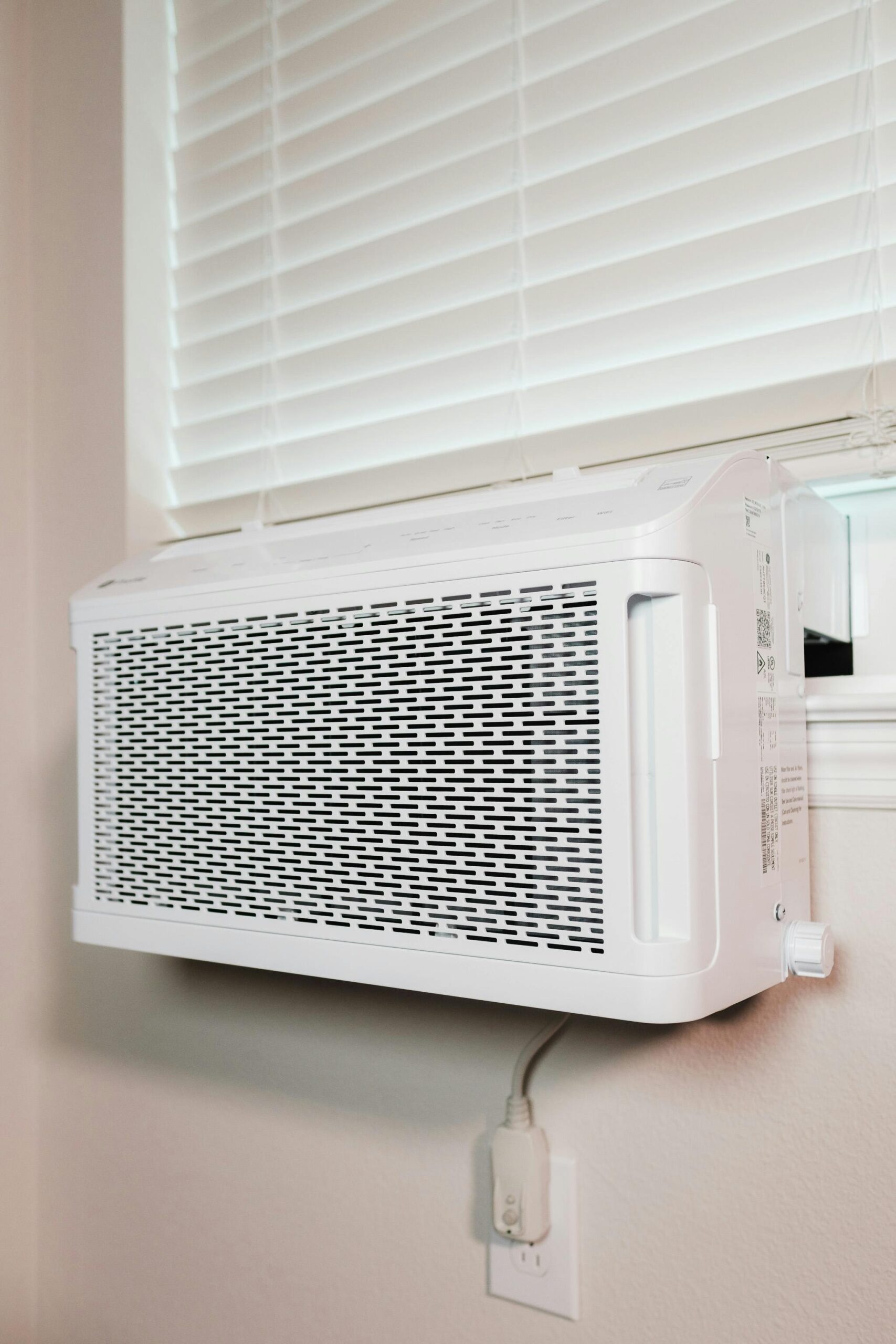
- Window air conditioners
- Ventilation ducts with booster fans
Environmental Monitoring
Monitoring temperature, humidity, and airflow helps you detect issues early. Overheating or humidity spikes can indicate blocked vents, failing fans, or poor airflow management.
- Use smart sensors or environmental monitoring solutions.
- Track temperature at server intakes, not just room level.
- Set up alerts via email or SMS.
- Monitor UPS and PDU telemetry for power anomalies.
Cost Considerations for Power and Cooling
Power and cooling contribute significantly to the long‑term cost of running a home lab. Estimating operating costs helps you plan your budget.
| Component | Average Power Usage | Estimated Monthly Cost |
| Small NAS | 30–50W | $3–$6 |
| Home Server | 100–300W | $10–$40 |
| Enterprise Server | 300–600W | $30–$80 |
| Rack Cooling (AC Unit) | 500–1500W | $50–$180 |
These values depend heavily on local electricity rates, hardware efficiency, and cooling methods.
Best Practices for Long‑Term Reliability
To maintain an efficient and stable home lab, follow these best practices:
- Leave at least 20% headroom on electrical circuits.
- Use UPS units with adequate battery run‑time.
- Keep intake temperatures below 80°F (27°C).
- Regularly clean filters, vents, and fans.
- Label power cables and circuits clearly.
- Monitor power and temperature trends over time.
Conclusion
Power and cooling are foundational elements of any reliable home lab. By planning your electrical load, selecting the right UPS and surge protection, managing airflow, and monitoring environmental conditions, you create a stable and efficient environment for servers, networking gear, and storage. As your home lab grows, these considerations become even more vital for uptime, hardware longevity, and energy efficiency.
For more in‑depth guides and hardware recommendations, visit {{INTERNAL_LINK}} or explore curated equipment lists at {{AFFILIATE_LINK}}.
Frequently Asked Questions
How much power does a typical home lab use?
A small lab may use under 200W, while a full rack with enterprise servers can exceed 1200W. Calculating load helps you size circuits and UPS systems.
Do I need a UPS for my home lab?
Yes. A UPS protects against power outages, surges, and brownouts, preventing data loss and hardware damage.
What temperature should my home lab stay under?
Ideally below 80°F (27°C) at server intake. Higher temperatures reduce hardware lifespan.
How can I reduce noise from my home servers?
Use quiet‑rated hardware, sound‑dampened racks, better fan curves, or place equipment in a remote room.
Is a dedicated circuit necessary?
For large home labs or power‑hungry servers, a dedicated 15A or 20A circuit ensures stability and prevents breaker trips.



Leave a Reply