
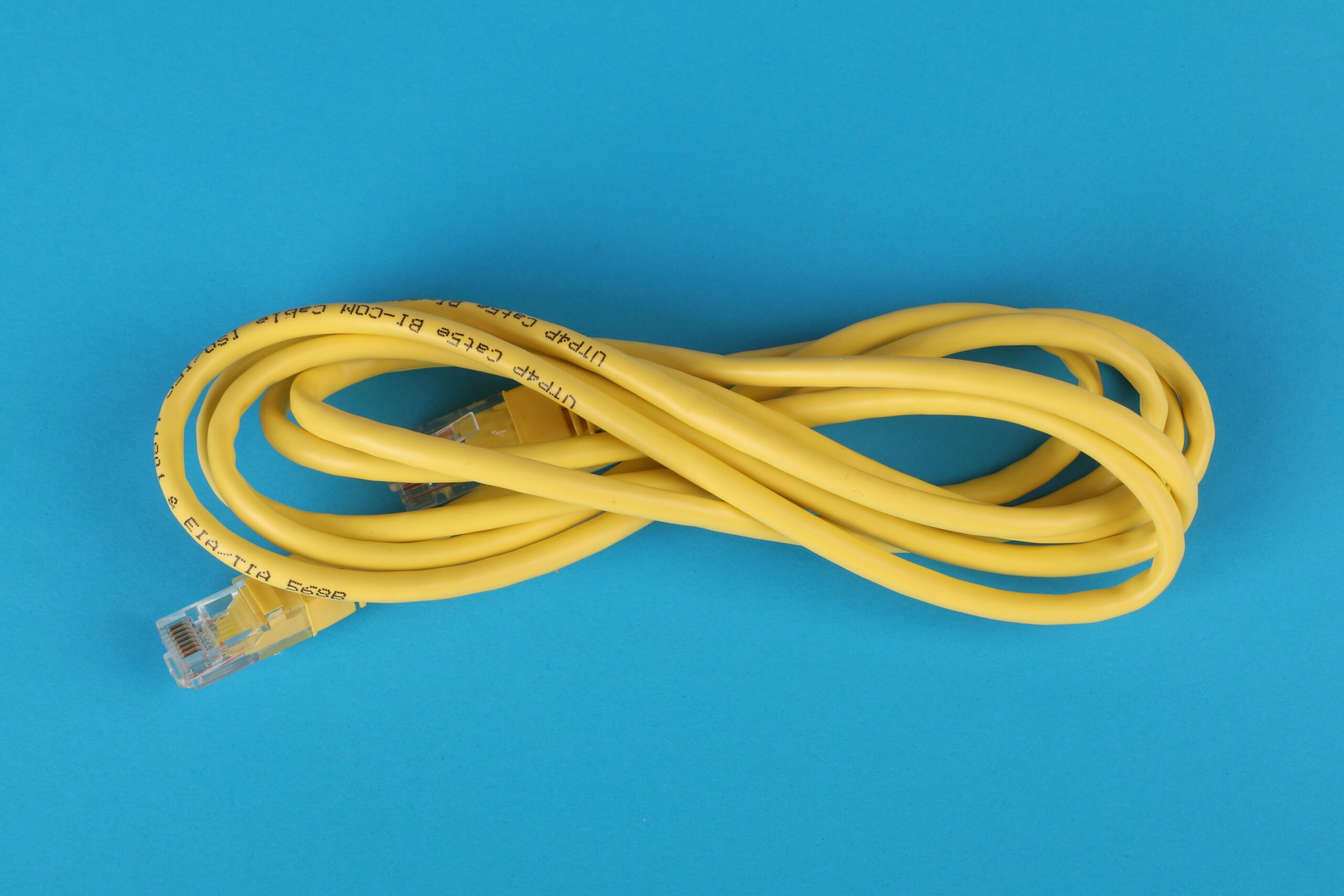

Monitoring Network Traffic in Home Labs: The Complete Guide for Performance, Security, and Optimization
Introduction
Monitoring network traffic in home labs has become an essential practice for anyone running servers, virtual machines, or homelab environments. Whether you are experimenting with self-hosted services, learning cybersecurity, testing firewall configurations, or simply ensuring your home network remains fast and secure, understanding what flows through your network is critical. With today’s wide selection of open-source tools, commercial appliances, and lightweight utilities, nearly anyone can build powerful network monitoring dashboards at home.
This comprehensive guide covers everything from basic network monitoring concepts to practical tool comparisons, setup instructions, home lab design considerations, and real-world use cases. By the end, you will understand how to build an efficient, secure, and scalable monitoring stack tailored to your home environment.
What Is Network Traffic Monitoring?
Network traffic monitoring involves capturing, inspecting, analyzing, and visualizing data packets that travel across a home network. This includes:
- Traffic types (web, DNS, streaming, gaming, file transfers)
- Device activity (PCs, IoT, servers, containers)
- Connection logs (internal and external IPs)
- Protocol usage (TCP, UDP, DNS, DHCP, ARP, ICMP)
- Bandwidth consumption per device or application
- Security anomalies and intrusion attempts
Effective monitoring helps with troubleshooting, capacity planning, security hardening, and performance optimization. In a home lab, where experimentation is constant, the ability to see what’s happening on the wire offers tremendous learning value.
Why You Should Monitor Network Traffic in a Home Lab
Network monitoring brings visibility and control to environments that may include routers, firewalls, NAS devices, virtual servers, Kubernetes clusters, and IoT systems. Here are the most important benefits:
- Identify misbehaving devices consuming excessive bandwidth
- Detect malware, scans, unusual traffic, or unauthorized connections
- Troubleshoot slow services, DNS issues, or dropped packets
- Analyze traffic patterns for lab experiments and simulations
- Validate firewall rules and segmentation policies
- Gain hands-on enterprise-grade networking and cybersecurity skills
- Manage traffic for self-hosted applications
Common Tools for Monitoring Network Traffic in Home Labs
There are many tools available for home users, ranging from lightweight command-line utilities to advanced web dashboards. Below is a comparison of the most popular options.
Comparison of Network Monitoring Tools
| Tool | Type | Best For | Affiliate Link |
| Wireshark | Packet Analyzer | Deep inspection and protocol analysis | Wireshark Download |
| ntopng | Real-time traffic analyzer | Bandwidth monitoring and flow analysis | ntopng Subscription |
| Proxmox + Suricata + Zeek | Full monitoring stack | Advanced intrusion detection and security monitoring | Security Tools Bundle |
| Grafana + Prometheus + Exporters | Metrics and dashboard suite | Visualization and long-term data storage | Grafana Cloud |
| OpenWrt or pfSense Monitoring Plugins | Firewall-integrated analytics | Whole-home monitoring from the gateway | Firewall Hardware |
How Network Monitoring Works in a Home Lab
Network monitoring typically relies on capturing data from key network points. These include:
- Router or firewall gateway interfaces
- Managed switches with port mirroring (SPAN)
- Virtual switches inside hypervisors like Proxmox or VMware
- Network taps
Once traffic is captured, analyzers process it to create readable dashboards, logs, and alerts.
Traffic Collection Methods
There are several strategies for getting data into your monitoring system:
- Packet capture (PCAP files)
- Mirror ports sending raw traffic to an analysis server
- Flow-based monitoring (NetFlow, sFlow, IPFIX)
- Firewall logging
- Agent-based monitoring on hosts
Choosing the Right Method
Your choice depends on goals:
- Security detection → Deep packet inspection with Suricata or Zeek
- Bandwidth monitoring → NetFlow and ntopng
- Service performance → Prometheus metrics
- Protocol learning → Wireshark
Setting Up Network Monitoring in Your Home Lab
Below are practical setups for common home lab architectures.
1. Monitoring at the Router or Firewall
This is the most common method, especially when using pfSense, OPNsense, or OpenWrt. These platforms can export NetFlow, firewall logs, and packet captures to other systems.
2. Using a Managed Switch with Port Mirroring
SPAN or mirror ports allow you to copy traffic from one or more switch ports to a monitoring interface.
- Connect your monitoring server to the mirror port
- Configure SPAN in the switch’s management interface
- Send both ingress and egress traffic to the monitor
3. Capturing Traffic in Virtual Environments
Hypervisors such as Proxmox, ESXi, and Hyper-V allow virtual switch-level monitoring.
You can mirror virtual ports, attach monitoring VMs, or use IDS tools directly in virtual networks. This is effective for inspecting traffic between self-hosted services or containers.
Best Practices for Monitoring Network Traffic
To maintain performance and security, follow these recommendations:
- Use dedicated hardware for intense packet analysis
- Rotate and archive logs to prevent storage bloat
- Secure dashboards with strong authentication
- Encrypt flows between devices when possible
- Segment IoT and lab traffic for easier analysis
- Automate alerts for anomalies
When to Use Multiple Monitoring Tools
A single tool is rarely enough. Most home lab enthusiasts combine tools for a complete picture.
- Wireshark for occasional deep dives
- ntopng for daily bandwidth visibility
- Suricata or Zeek for security event detection
- Grafana for long-term trending and visualization
Many of these tools integrate seamlessly, enabling dashboards that combine flow data, firewall logs, IDS alerts, and protocol breakdowns.
Example Home Lab Monitoring Architecture
A typical advanced setup might include:
- An OPNsense firewall exporting NetFlow
- A managed switch mirroring WAN and LAN ports
- A Proxmox node running:
- ntopng for real‑time analysis
- Suricata IDS with full packet inspection
- Grafana + Prometheus for dashboards
- Elastic Stack or Loki for log processing
- Wireshark installed on a workstation
This provides an enterprise-like monitoring environment inside a home lab.
Recommended Hardware for Traffic Monitoring
While basic monitoring can run on low-powered devices, packet analysis at gigabit speeds benefits from stronger hardware. Some users repurpose small form-factor PCs, mini routers, or compact servers.
Recommended options:
- Small x86 mini PCs with Intel NICs Browse Mini PC Options
- Managed switches with port mirroring View Managed Switch Deals
- Network taps for full packet capture Check Network Tap Prices
Internal Resources
For related topics such as firewall configuration, VLAN segmentation, and home lab network design, visit {{INTERNAL_LINK}} for more in-depth guides.
FAQs About Monitoring Network Traffic in Home Labs
How much hardware do I need to monitor traffic?
For basic monitoring, a small single-board computer is enough. For deep packet inspection or IDS workloads, a stronger x86 system is recommended.
Is packet capturing legal in a home network?
Yes, as long as you are capturing only your own network. Capturing external networks or third-party traffic without permission is illegal.
Can monitoring slow down my home network?
Monitoring does not affect traffic flow unless it overwhelms the monitoring server. SPAN and flow export methods have minimal performance impact.
Which tool is best for beginners?
Wireshark and ntopng are the easiest tools for new users who want intuitive dashboards and immediate insights.
Can I monitor Wi-Fi traffic?
Yes, but it is more complex. Dedicated access points with monitoring mode enabled provide the best results.
Conclusion
Monitoring network traffic in a home lab unlocks deep insights into performance, security, and system behavior. With tools like Wireshark, ntopng, Suricata, and Grafana, even home users can build monitoring systems that rival professional setups. By choosing the right capture methods, configuring a reliable architecture, and applying best practices, anyone can enhance their home network’s visibility and resilience.



Leave a Reply