
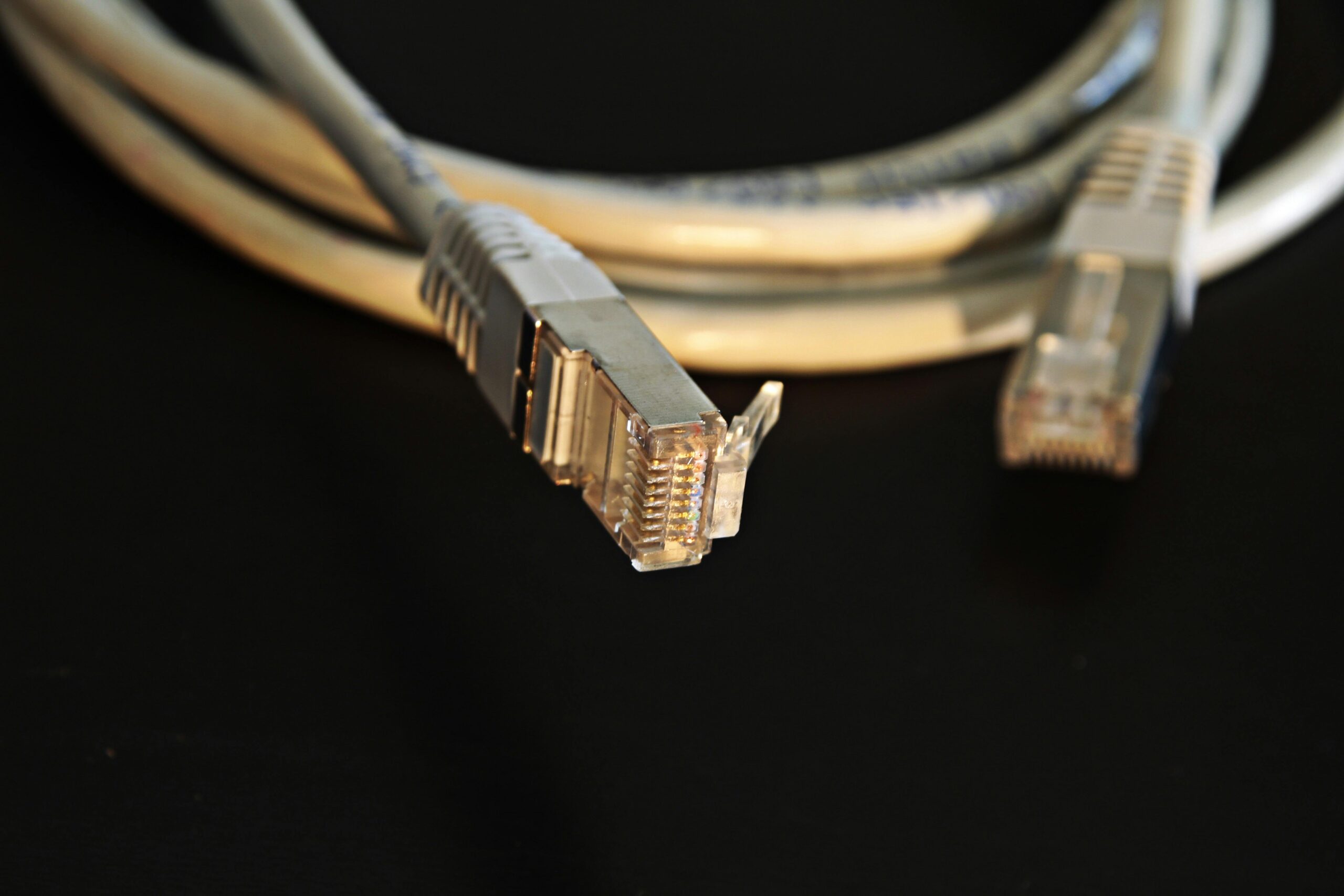
Beginner’s Guide to Copper Cable CAT Types
Copper cabling remains one of the most widely used network mediums in homes, businesses, data centers, and industrial environments. Despite the rapid growth of fiber optics, Ethernet copper cables offer reliability, affordability, and high-speed performance suitable for most networking scenarios. However, for beginners, navigating the world of CAT types can feel overwhelming. Terms like CAT5e, CAT6A, CAT7, and even CAT8 often raise questions: What do these categories mean? How do they differ? Which one should you choose? This guide breaks everything down in clear, accessible language so you can confidently choose the right cable for your needs.
What Are CAT Types?
“CAT” stands for “Category.” Each cable category represents a performance standard defined by organizations such as TIA/EIA and ISO/IEC. These standards specify essential factors like:
- Maximum bandwidth
- Maximum data transmission speed
- Shielding type
- Maximum cable length for specific speeds
- Usage environment (home, commercial, data center)
As the category number increases, so does the performance capability. Each new generation typically improves speed, reduces crosstalk, and supports more demanding applications.
Key Terms to Understand Before You Choose a CAT Type
Bandwidth
Measured in MHz, bandwidth refers to the range of frequencies a cable can carry. Higher bandwidth means more data information can flow simultaneously.
Transmission Speed
This is measured in Mbps or Gbps. It indicates the rate at which data travels across the cable. Faster speeds support high-demand uses like streaming, gaming, and server connections.
Crosstalk
Crosstalk occurs when signals leak from one pair of wires to another inside the cable. Higher CAT types are engineered to reduce crosstalk with improved shielding or twisted pair separation.
Shielding
Shielding protects signals from interference. Designations include:
- UTP (Unshielded Twisted Pair)
- FTP or F/UTP (Foil Shielding)
- STP or S/FTP (Braided Shielding)
- S/STP (Dual Shielding)
The more shielding, the better the cable performs in electrically noisy environments, though often at a higher cost.
CAT5 vs CAT5e vs CAT6 vs CAT6A vs CAT7 vs CAT8: Side-by-Side Comparison
| Category | Max Speed | Bandwidth | Shielding | Max Distance (at max speed) |
| CAT5 | 100 Mbps | 100 MHz | Usually UTP | 100 m |
| CAT5e | 1 Gbps | 100 MHz | UTP or FTP | 100 m |
| CAT6 | 1 Gbps (10 Gbps up to 55 m) | 250 MHz | UTP or STP | 100 m (1 Gbps) |
| CAT6A | 10 Gbps | 500 MHz | Usually STP | 100 m |
| CAT7 | 10 Gbps | 600 MHz | S/FTP | 100 m |
| CAT8 | 25–40 Gbps | 2000 MHz | S/FTP | 30 m |
Understanding Each CAT Type in Detail
CAT5: The Retired Veteran
CAT5 cables were once the standard for residential and small business networks. Supporting speeds up to 100 Mbps, these cables are now considered outdated. If you come across CAT5 today, it is generally recommended to upgrade, especially since faster cables are inexpensive and easy to install.
CAT5e: The Affordable Standard
CAT5e (“enhanced”) is still widely used and often sufficient for basic home networking. It supports 1 Gbps speeds, eliminating much of the crosstalk present in CAT5 cables. For many homeowners, CAT5e remains an economical choice, but for future-proofing or heavy bandwidth use, higher categories are better.
If you’re looking for inexpensive CAT5e options, check this {{AFFILIATE_LINK}} for affordable cable bundles.
CAT6: The Sweet Spot for Most Users
CAT6 cables offer a noticeable improvement over CAT5e with double the bandwidth and reduced interference. They support 10 Gbps speeds at shorter distances (up to 55 meters), making them ideal for small office networks, gaming setups, and home streaming environments.
CAT6 cables provide a good balance of price and performance. Browse top-rated CAT6 cables here: {{AFFILIATE_LINK}}
CAT6A: Enhanced for High-Performance Applications
CAT6A (“augmented”) stands out because it supports 10 Gbps at a full 100 meters. With thicker shielding and higher bandwidth, CAT6A is excellent for commercial installations, server rooms, and environments with heavy electromagnetic interference.
For structured cabling installations, CAT6A offers long-term value. Explore reliable CAT6A spools here: {{AFFILIATE_LINK}}
CAT7: A Specialized Choice
CAT7 cables are heavily shielded and designed for environments requiring maximum noise protection. While they support 10 Gbps, they also use a different connector type in some implementations, making them less user-friendly for typical homeowners.
CAT7 is often preferred for industrial or data center routing where shielding is essential.
CAT8: The Fastest Copper Cable Available
CAT8 dramatically boosts performance with speeds up to 40 Gbps and bandwidth up to 2000 MHz. It is ideal for short-distance, high-performance networking in data centers, server racks, and enterprise environments. Due to its short maximum length (30 m), CAT8 is rarely used for whole-building infrastructure but excels in rack-to-rack connections.
Check out commercial-grade CAT8 cables here: {{AFFILIATE_LINK}}
Which CAT Cable Should You Choose?
Choosing the right cable depends on your specific needs, budget, and environment. Here is a concise guide to help you decide:
- On a tight budget and only need 1 Gbps: Choose CAT5e
- Best value for most users: Choose CAT6
- Future-proofing a home or business: Choose CAT6A
- High-interference industrial environment: Choose CAT7
- Server rack, data center, ultra-high-speed: Choose CAT8
For deeper insights on networking fundamentals, explore {{INTERNAL_LINK}} to learn more.
Shielding Types Explained
UTP (Unshielded Twisted Pair)
Common in homes and offices, UTP is lightweight, flexible, and cost-effective but less resistant to interference.
FTP (Foil Shielded)
Contains a foil layer around all pairs for moderate protection from interference. Good for office environments with multiple electronic devices.
S/FTP (Braided + Foil Shielding)
Used in CAT7 and CAT8, each pair is foil shielded plus an overall braided shield. This is ideal for high-noise environments such as industrial areas or data centers.
Installation Tips for Beginners
- Avoid running cables alongside power lines to reduce interference.
- Use cable management clips or trays to prevent signal degradation due to kinks.
- Choose solid copper for long runs and stranded copper for patch cables.
- Test cables with a network tester after installation to confirm proper performance.
Future-Proofing Your Network
Even though current home internet speeds rarely exceed 1–2 Gbps, your internal network—the devices inside your home—may require more bandwidth over time. Smart home systems, streaming 8K media, gaming, powerful Wi-Fi access points, and high-volume file transfers all benefit from faster internal cabling.
If you want your cabling to last 10–20 years, CAT6A is typically the best balance of affordability and future-proofing.
Common Questions About Copper CAT Cables
Do higher CAT cables improve Wi-Fi speed?
Not directly. However, your access point’s connection to your router or switch can benefit from higher-speed cabling, improving overall network performance.
Is CAT7 better than CAT6A?
Not necessarily. CAT6A and CAT7 both support 10 Gbps, but CAT7 uses non-standard connectors in many systems. For most users, CAT6A is more practical.
Can I use CAT8 in my home?
Yes, but it is often unnecessary unless you require extremely high local transfer speeds or are building a small server environment.
Will CAT6 work with older devices?
Yes. Ethernet cable categories are backward compatible with older networking equipment.
How long do copper Ethernet cables last?
High-quality cables can last decades if properly installed and not physically damaged.









