
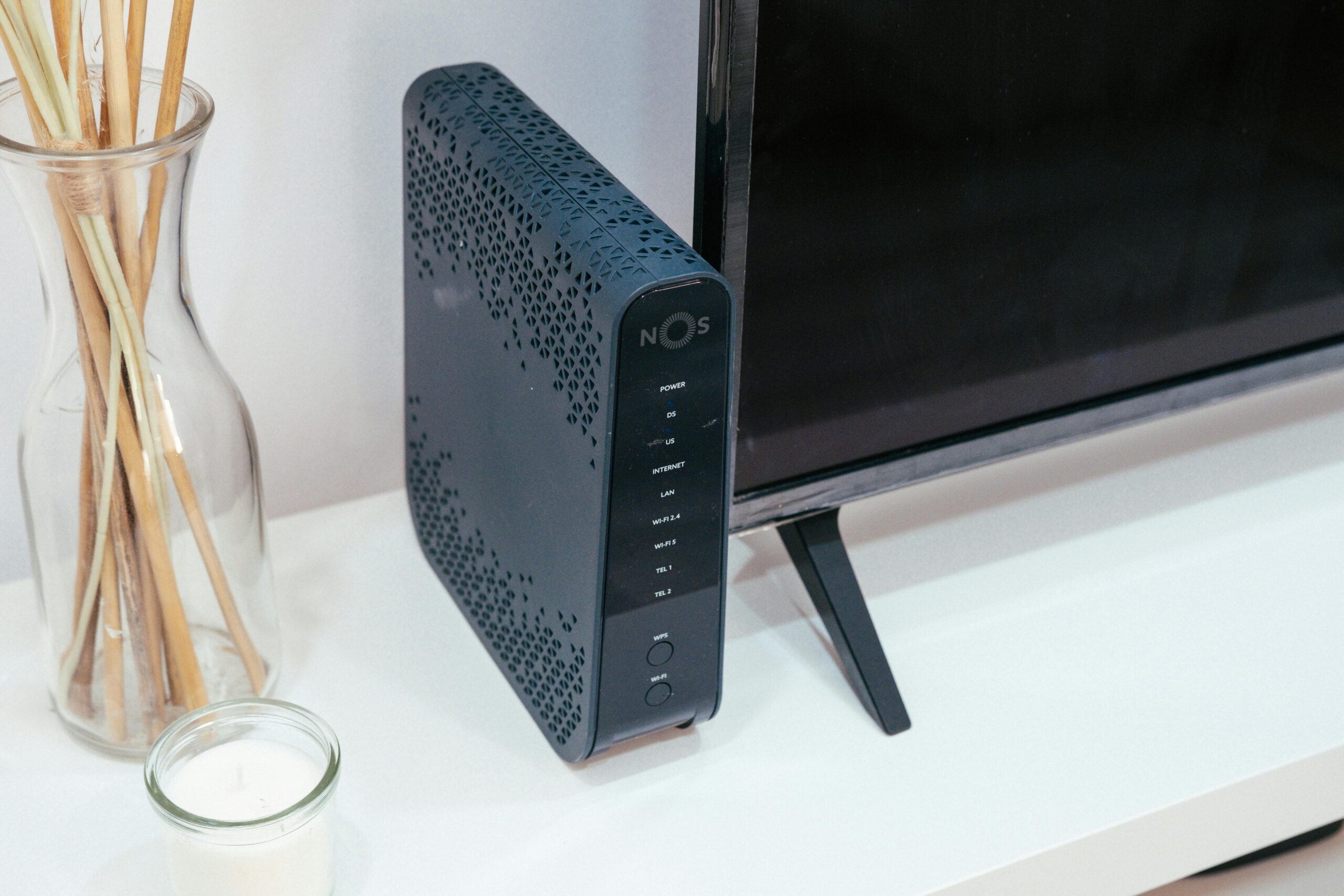
Best Budget Routers for Small Apartments
Finding the best budget router for a small apartment is easier than ever—yet overwhelming with so many choices. While you don’t need a high-end mesh system or enterprise-grade hardware for a compact living space, you *do* need a router that delivers fast speeds, stable connections, and strong coverage within limited square footage. The good news? Many affordable routers offer excellent performance perfectly suited for condos, studios, dorms, and one-bedroom apartments.
This guide breaks down the top routers that provide reliability and strong value, all while keeping costs low. We will compare important specs, examine real-world performance, and help you choose a router that fits your budget and your apartment’s layout. Whether you stream HD video, play games, work remotely, or simply browse the internet, you’ll find a great option here.
Why Budget Routers Work Well in Small Apartments
A small apartment does not require the same networking power as a large multi-floor home. In fact, many budget routers deliver more than enough speed and range to fully cover 400–1000 square feet. Here are the key reasons why a budget-friendly option is often the ideal choice for small spaces.
Lower Coverage Needs
Most budget routers cover anywhere from 800 to 1500 square feet. Since small apartments rarely exceed that range, you can easily get full coverage without worrying about dead zones or needing additional access points.
More Affordable Without Sacrificing Speed
Budget routers today commonly support Wi-Fi 5 or Wi-Fi 6—both of which can deliver fast speeds suitable for streaming, gaming, and multiple devices. For everyday use, a sub-$100 Wi-Fi 6 router is more than enough.
Simplified Setup and Management
Small apartments typically have simpler layouts, so advanced features like mesh networking, beamforming optimization, or multiple guest networks may not be necessary. Budget routers prioritize ease of use, offering quick setup through apps and straightforward controls.
What to Look for in a Budget Router
Before diving into the top recommendations, it’s crucial to understand what features matter most when choosing a budget router for a smaller living space.
Wi-Fi 6 (802.11ax) Support
While Wi-Fi 5 routers are still usable, Wi-Fi 6 has become standard even in low-cost models. It offers faster speeds, lower latency, and better performance with multiple devices.
Speed Ratings
Look for routers with at least AC1200 (Wi-Fi 5) or AX1500 (Wi-Fi 6) ratings. These ratings indicate maximum bandwidth and help determine overall performance.
Number of Ethernet Ports
Even in small apartments, you may need ports for gaming consoles, smart TVs, or desktop computers. Budget routers typically include 2–4 ports.
Mobile App Controls
Modern routers often come with companion apps that allow easy management, parental controls, device prioritization, and performance monitoring.
Compact Size and Design
In a small space, bulky networking equipment can be inconvenient. Fortunately, many affordable routers are designed to be sleek and space‑efficient.
Top Budget Routers for Small Apartments
Below are the top-performing budget routers that offer great coverage, fast speeds, and excellent reliability—all at wallet-friendly prices.
1. TP-Link Archer AX21 (Best Overall Budget Wi-Fi 6 Router)
The TP-Link Archer AX21 consistently ranks among the best budget routers thanks to its combination of Wi-Fi 6 performance, strong coverage, and affordable pricing. It works exceptionally well in apartments due to its reliable dual-band support and strong wall penetration.
- Wi-Fi Standard: Wi-Fi 6 (AX1800)
- Coverage: Up to 1200 sq ft
- Best For: Streaming, medium gaming use, work-from-home
- Affiliate Link: Buy TP-Link Archer AX21
2. Netgear R6700 (Best Wi-Fi 5 Budget Option)
The Netgear R6700 is a popular and affordable Wi-Fi 5 router delivering solid speeds and excellent performance for HD streaming and gaming. While it lacks Wi-Fi 6, it remains a great choice for simple setups.
- Wi-Fi Standard: Wi-Fi 5 (AC1750)
- Coverage: Up to 1500 sq ft
- Best For: HD streaming, light gaming
- Affiliate Link: Buy Netgear R6700
3. Amazon Eero 6 (Best App Experience)
The Amazon Eero 6 is technically a mesh router, but its single-unit performance is excellent for small apartments. Its app-based setup and intuitive interface make it ideal for beginners.
- Wi-Fi Standard: Wi-Fi 6
- Coverage: 1000 sq ft (single unit)
- Best For: Users wanting simplicity and reliability
- Affiliate Link: Buy Amazon Eero 6
4. Asus RT-AX55 (Best for Multi-Device Homes)
The Asus RT-AX55 is a top choice for apartments with multiple smart devices. Its OFDMA and MU-MIMO support ensures smooth performance across smartphones, gaming consoles, smart TVs, and IoT devices.
- Wi-Fi Standard: Wi-Fi 6 (AX1800)
- Coverage: 1200–1500 sq ft
- Best For: Multi-device environments
- Affiliate Link: Buy Asus RT-AX55
5. Linksys E7350 (Best for Simple Internet Users)
The Linksys E7350 is a lightweight, affordable Wi-Fi 6 router best suited for light-to-moderate use. It’s an ideal pick for students, renters, and minimalists with modest needs.
- Wi-Fi Standard: Wi-Fi 6 (AX1800)
- Coverage: Up to 1200 sq ft
- Best For: Browsing, email, streaming
- Affiliate Link: Buy Linksys E7350
Comparison Table: Best Budget Routers for Small Apartments
| Router | Wi-Fi Standard | Coverage | Best For |
| TP-Link Archer AX21 | Wi-Fi 6 | 1200 sq ft | Streaming, gaming |
| Netgear R6700 | Wi-Fi 5 | 1500 sq ft | HD streaming, general use |
| Amazon Eero 6 | Wi-Fi 6 | 1000 sq ft | Easy setup, reliability |
| Asus RT-AX55 | Wi-Fi 6 | 1200–1500 sq ft | Multiple devices |
| Linksys E7350 | Wi-Fi 6 | 1200 sq ft | Light use |
Tips for Getting the Best Wi-Fi Performance in a Small Apartment
Even the best router can perform poorly if placed incorrectly or configured improperly. Here’s how to maximize performance.
- Place the router centrally for even coverage.
- Keep it away from microwaves, thick walls, and metal appliances.
- Use the 5GHz band for faster speeds when nearby.
- Enable automatic firmware updates.
- Use Ethernet for smart TVs or gaming consoles.
When to Consider Upgrading to a Mesh System
Most small apartments don’t need a mesh system, but there are exceptions. If your unit has thick walls, unusual layouts, or multiple dead zones, a single router—no matter how good—may struggle. In such cases, even a two-node mesh system can dramatically improve coverage.
For mesh router recommendations, visit our full mesh router guide.
Final Thoughts
A great Wi-Fi experience doesn’t have to be expensive—especially in a small living space. Many affordable routers deliver outstanding performance suitable for streaming, browsing, gaming, and day-to-day internet use. Whether you want a simple plug-and-play router or a feature-rich Wi-Fi 6 model, there’s a budget-friendly option perfect for your needs.
FAQ
What is the best budget router for a small apartment?
The TP-Link Archer AX21 is the best all-around budget router thanks to its Wi-Fi 6 performance, coverage, and value.
Is Wi-Fi 6 worth it for a small apartment?
Yes. Wi-Fi 6 offers better speeds, lower latency, and improved performance for multiple devices—even in compact spaces.
How many Mbps do I need for an apartment router?
Most small apartments perform well with 100–500 Mbps internet plans, depending on usage.
Do I need a mesh system for a small apartment?
Usually no. Single routers typically cover 800–1500 sq ft, more than enough for most apartments.
Where should I place my router?
Place it centrally and elevated, away from walls and interference-causing appliances.









