
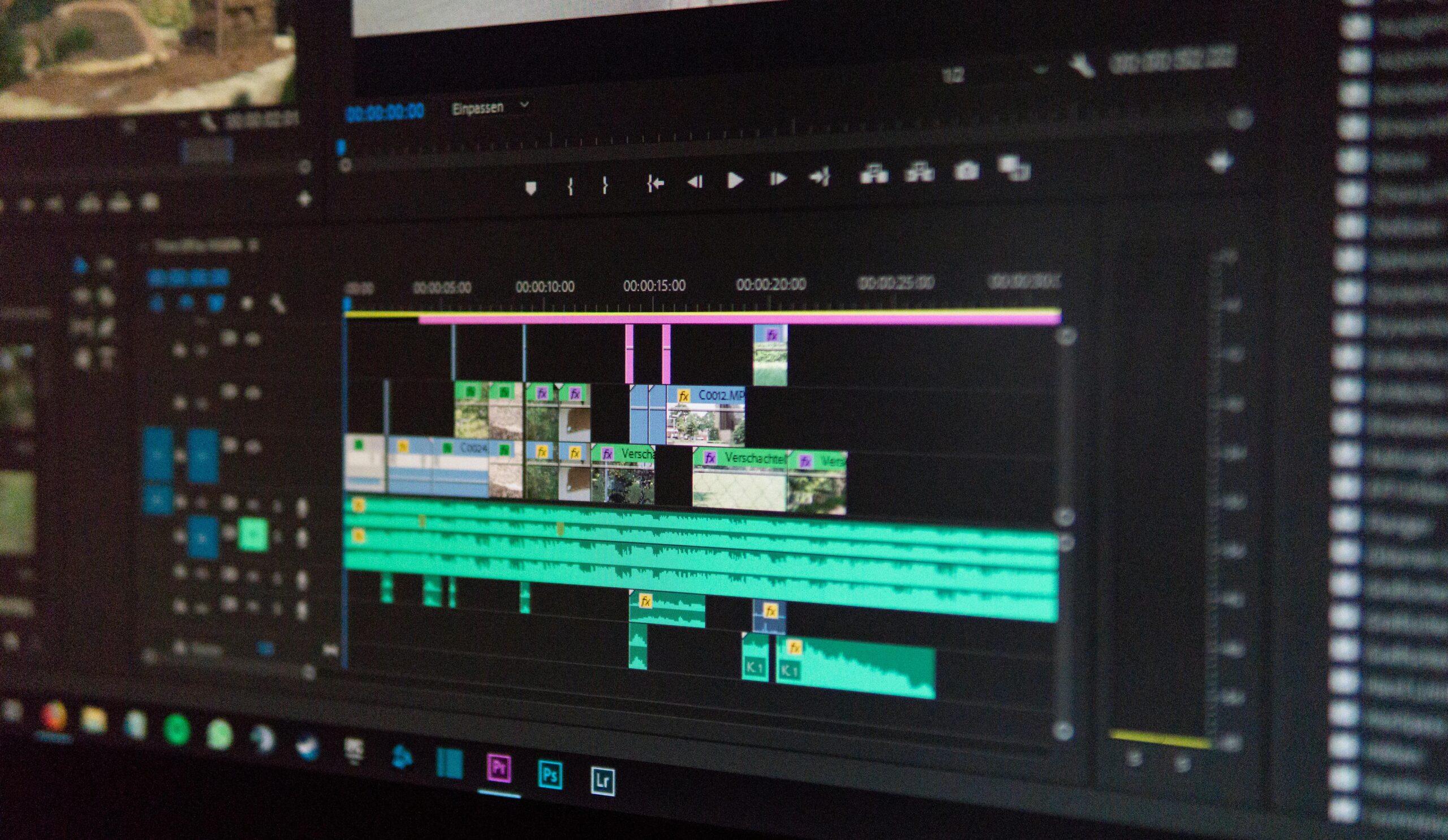
Best High-Capacity RAM Kits for Video Editing: Complete Guide for 2026
Introduction to High-Capacity RAM for Video Editing
As video editing workflows become increasingly demanding, high-capacity RAM kits have shifted from a luxury to an essential component of professional and enthusiast editing workstations. Whether you’re editing 4K, 6K, or even 12K RAW footage, having ample memory ensures smooth playback, faster rendering, and seamless multitasking across applications like Adobe Premiere Pro, DaVinci Resolve, and Final Cut Pro. This guide explores the best high-capacity RAM kits for video editing in 2026 and walks you through how to choose the right memory configuration for your needs.
Why High-Capacity RAM Matters for Video Editors
Video editing software depends heavily on system memory for caching frames, storing timelines, handling effects, and managing background processes. When RAM is insufficient, your system is forced to rely on slower storage drives, causing lag, stutters, and lengthy processing times. High-capacity RAM ensures sustained performance, especially when working with complex videos involving multiple layers, color grading nodes, and motion graphics.
Benefits of High-Capacity RAM Kits
- Faster playback and scrubbing through high-resolution timelines
- Reduced rendering and exporting times
- Improved performance when multitasking with other creative apps
- Better handling of large file sizes and RAW footage
- Future-proofing your editing workstation for upcoming software updates
How Much RAM Do You Need for Video Editing?
The amount of RAM you need depends heavily on the resolution and complexity of your projects. While basic 1080p editing can run smoothly on 16GB, modern workflows require significantly more memory.
Recommended RAM Capacities
- 1080p editing: 16GB – 32GB
- 4K editing: 32GB – 64GB
- 6K or 8K editing: 64GB – 128GB
- 10K+ RAW or heavy VFX work: 128GB – 256GB+
If you routinely work with multiple timelines, high-bit-rate footage, or advanced color correction, opting for at least 64GB is strongly recommended.
Top High-Capacity RAM Kits for Video Editing in 2026
Below is a curated list of the top-performing RAM kits suitable for video editors looking to boost their productivity and streamline their workflow.
1. Corsair Vengeance RGB Pro DDR5 (64GB–128GB)
The Corsair Vengeance RGB Pro DDR5 lineup is a popular choice among video editors thanks to its high bandwidth, stable performance, and reliable thermal design. It supports Intel XMP profiles, making configuration easy even for beginners.
- Speeds up to 6400MHz
- Optimized for Intel 14th-gen and AMD Ryzen 8000-series CPUs
- Excellent cooling and build quality
- Available in 64GB, 96GB, and 128GB kits
- Check latest price
2. G.Skill Trident Z5 Neo RGB DDR5 (64GB–192GB)
Known for premium build quality and outstanding overclocking capabilities, the G.Skill Trident Z5 Neo series offers top-tier performance for video editors who demand speed and stability. This kit is particularly favored for AMD Ryzen workstations.
- Speeds up to 7200MHz
- Optimized for AMD EXPO
- High-capacity options up to 192GB
- Consistent performance in heavy multitasking
- View product details
3. Kingston Fury Beast DDR5 (64GB–256GB)
If you need extremely high-capacity memory without sacrificing performance, Kingston’s Fury Beast DDR5 lineup is ideal. With capacities up to 256GB, it excels in color grading, VFX, and multi-stream high-resolution editing.
- Speeds up to 6000MHz
- Low-profile heat spreader design
- Available up to 256GB for pro editing systems
- Highly reliable for long editing sessions
- Shop now
4. Crucial Pro DDR5 Performance RAM (64GB–128GB)
Crucial’s Pro lineup focuses on stability and price-to-performance ratio. It’s a great option for editors who want reliability without paying a premium for RGB or overclocking headroom.
- Speeds up to 5600MHz
- Affordable compared to competitors
- Excellent thermal performance
- Great for mid-range editing systems
- See availability
Comparison Table: Best High-Capacity RAM Kits
| Model | Capacity Options | Speed | Platform Optimization | Best For |
| Corsair Vengeance RGB Pro DDR5 | 64GB–128GB | 6400MHz | Intel/AMD | General video editing, RGB builds |
| G.Skill Trident Z5 Neo RGB | 64GB–192GB | 7200MHz | AMD EXPO | High-end Ryzen systems |
| Kingston Fury Beast DDR5 | 64GB–256GB | 6000MHz | Intel/AMD | Heavy 8K/10K workflows |
| Crucial Pro DDR5 | 64GB–128GB | 5600MHz | Universal | Budget-friendly editing builds |
DDR4 vs. DDR5 for Video Editing
While DDR4 systems are still capable, DDR5 has become the new standard for professional editing in 2026. Its higher bandwidth, improved efficiency, and greater capacity options make it better suited for the growing demands of video editing.
Why DDR5 Is Superior
- Greater bandwidth allows faster frame caching
- Higher capacities available for pro-level projects
- Lower power consumption reduces system heat
- Better support for next-gen CPUs
How to Choose the Best High-Capacity RAM Kit
Not all RAM kits are created equal. Consider the following factors to ensure optimal performance and compatibility.
1. Capacity
Always match RAM capacity to your editing workload. For 4K and above, start with 64GB or more.
2. Speed
Higher clock speeds provide smoother timeline performance, especially in RAW editing environments.
3. Compatibility
Check your motherboard’s QVL list to ensure compatibility with both speed and capacity.
4. Cooling and Design
Large heat spreaders help dissipate heat during long renders. RGB is optional depending on aesthetics.
5. Price-to-Performance Ratio
Premium models offer overclocking, but budget-friendly kits can still deliver excellent real-world performance.
Optimizing RAM Performance for Video Editing
After installing high-capacity RAM, following best practices can further enhance system performance.
- Enable XMP or EXPO profiles for maximum speed
- Close unnecessary background programs
- Increase software RAM allocation in editing apps
- Optimize cache location to fast NVMe storage
- Use dual-channel or quad-channel configurations
Related Guides
Looking to upgrade more components? Visit our workstation optimization hub: Build the Ultimate Video Editing PC
Frequently Asked Questions
Do I need more than 64GB of RAM for video editing?
For most 4K projects, 64GB is the sweet spot. However, if you work with 6K/8K RAW footage or VFX-heavy workflows, 128GB or more is recommended.
Is DDR5 worth it for video editing?
Yes, DDR5 offers higher bandwidth, increased capacity, and better future-proofing compared to DDR4, making it ideal for editing rigs.
Will RAM speed noticeably affect rendering times?
RAM speed has a modest effect on rendering but significantly improves timeline performance and playback responsiveness.
Can I mix different RAM brands or speeds?
Mixing RAM is not recommended, as it can cause instability or force all modules to operate at the slowest speed.
What is the best RAM capacity for Premiere Pro?
Adobe recommends 32GB or more, but professional editors typically use 64GB–128GB for 4K+ workflows.









