
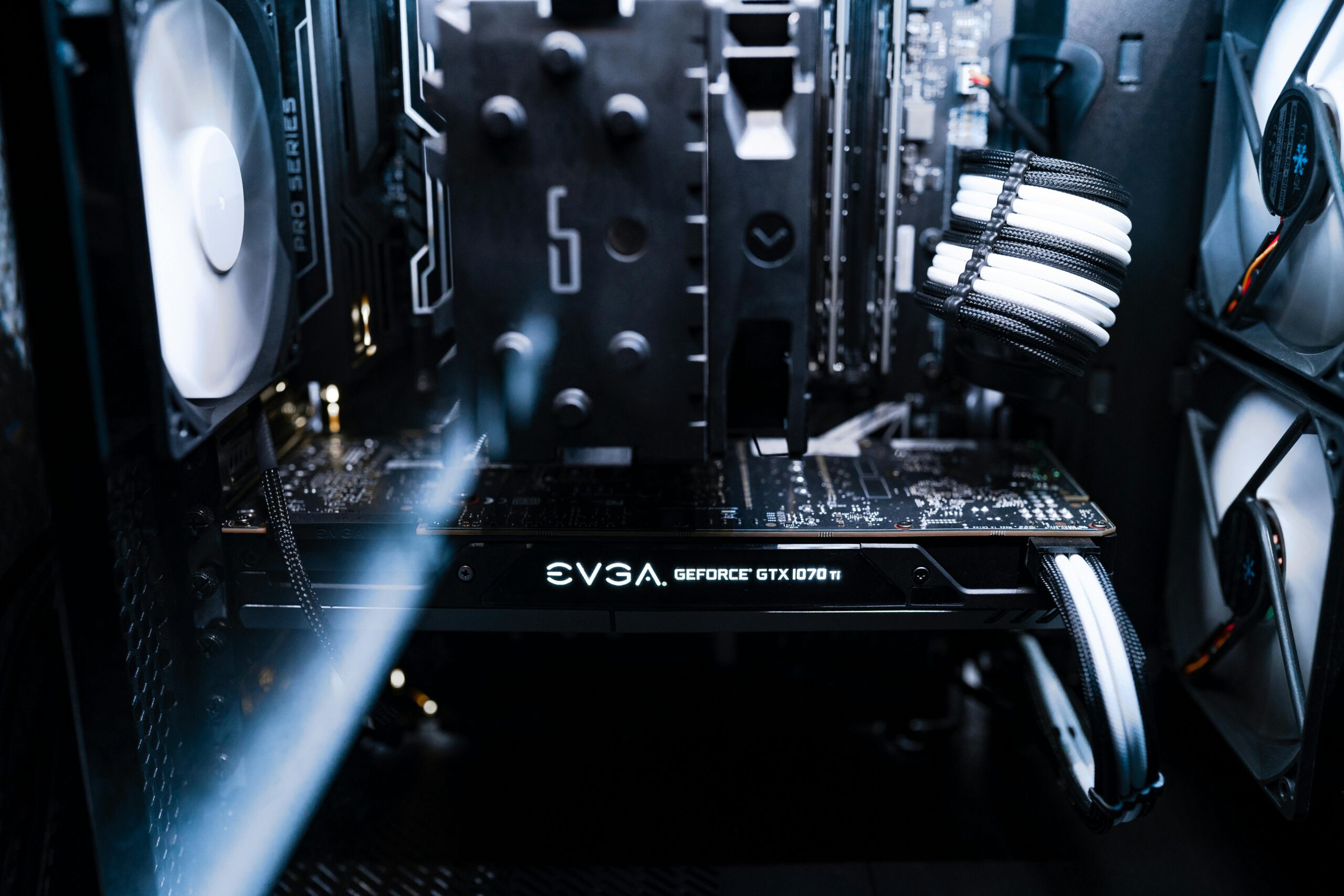
Motherboard Features That Make Upgrading Easy
Building a computer is one thing—keeping it flexible for future upgrades is something else entirely. Whether you’re a PC enthusiast, casual gamer, or professional creator, your motherboard plays the biggest role in how easily you can expand or update your system. The right board can save you money over the long term and make adding new hardware a breeze. The wrong one can lock you into outdated standards or require a nearly full rebuild just to install a modern component.
This comprehensive guide explores the motherboard features that make upgrading easy. You’ll learn which specifications matter most, how to avoid common pitfalls, and what to look for when choosing a motherboard that will grow with your needs.
Why Upgrade-Friendly Motherboards Matter
Technology moves quickly. New CPUs, GPUs, and storage standards appear every year. Without a motherboard designed for easy upgrades, you risk hitting compatibility limits far earlier than necessary. An upgrade-friendly motherboard offers long-term value by reducing replacement costs and expanding your options for higher performance down the line.
From extra PCIe slots to flexible BIOS support, each feature helps ensure your system can evolve as technology advances.
Key Motherboard Features That Make Upgrading Easy
1. CPU Socket Longevity and Compatibility
The CPU socket determines which processors your motherboard can support. Some sockets remain viable for several generations, while others change frequently. Choosing a board with a modern, long-lasting socket increases your chances of upgrading CPUs without replacing the entire motherboard.
- Look for widely supported sockets with long roadmaps.
- Choose chipsets known for cross-generation compatibility.
- Ensure BIOS updates are available for newer CPU releases.
Before purchasing a motherboard, always verify the manufacturer’s CPU support list. Even if a CPU is physically compatible, BIOS support may be required to enable functionality.
2. Multi-Slot and Future-Proof PCIe Layout
PCI Express slots determine how many expansion cards you can install. Modern GPUs typically require full-length PCIe x16 slots, while capture cards, networking cards, and storage cards may require PCIe x4 or x8 slots.
An upgrade-friendly motherboard includes:
- Multiple PCIe x16 slots for multi-GPU or high-bandwidth add-in cards
- PCIe Gen 4 or Gen 5 support for next-generation peripherals
- Reinforced slots for heavy graphics cards
- Smart lane distribution that doesn’t disable slots when M.2 drives are installed
Always check the lane-sharing table in your motherboard manual to avoid conflicts during upgrades.
3. Plenty of M.2 and SATA Storage Options
Storage needs change rapidly—especially for gamers and creative professionals. Choosing a motherboard with multiple M.2 slots and SATA ports ensures a smooth transition as you add more NVMe SSDs or hard drives.
Ideal features include:
- Two or more PCIe 4.0 or 5.0 M.2 slots
- Dedicated heatsinks for M.2 SSD cooling
- At least four SATA ports for legacy drives
- RAID support for advanced storage setups
This flexibility allows you to expand your storage without sacrificing performance or replacing your motherboard prematurely.
4. Ample and High-Speed RAM Slots
Memory is one of the easiest components to upgrade, but only if your motherboard supports it. Upgrade-friendly boards include at least four DIMM slots, allowing you to expand your RAM capacity without completely replacing your memory kit.
- Look for support for fast DDR4 or DDR5 modules.
- Verify maximum memory capacity—some boards support up to 128 GB or more.
- Choose boards with strong memory overclocking support if performance matters.
Memory compatibility can vary, so consult your motherboard’s QVL (Qualified Vendor List) when selecting RAM.
5. Robust Power Delivery for High-End Upgrades
Upgrading to a high-performance CPU often requires strong VRMs (voltage regulator modules). A motherboard with a powerful VRM design will handle future upgrades without overheating or throttling.
Look for:
- Digital VRM designs with high-quality components
- Large heatsinks covering the VRMs
- Stable power phases for demanding CPUs
A strong VRM section ensures consistent performance and longer motherboard lifespan.
6. BIOS Flashback and Easy BIOS Updates
One of the most important features for PC upgraders is BIOS Flashback. This allows you to update the motherboard BIOS without a CPU or RAM installed. It is incredibly useful when upgrading to a newer-generation processor that requires BIOS support.
- USB BIOS Flashback buttons
- Simplified BIOS interfaces
- Automatic driver and firmware update utilities
Without BIOS Flashback, you may find yourself unable to boot your system when installing a new CPU.
7. Expandable Connectivity Options
As devices evolve, so do connectivity standards. A future-proof motherboard includes modern ports plus headers that allow for easy expansion.
Key connectivity to look for:
- USB 3.2 Gen 2×2 or USB4 ports
- USB-C front-panel header compatibility
- Multiple fan headers for upgraded cooling
- Thunderbolt add-in card support
- 2.5G or 10G Ethernet
- WiFi 6E or WiFi 7 modules
These features ensure long-term compatibility with new peripherals and cooling solutions.
8. Clear Layout and Tool-Free Design
Upgrading is easier when the motherboard’s layout is designed for accessibility. Features such as tool-free M.2 slots, large clearance around the CPU socket, and well-placed headers minimize frustration during upgrades.
Helpful design features include:
- Tool-free M.2 latching mechanisms
- Reinforced PCIe slots that reduce sag
- Spacious VRM heatsinks that don’t obstruct coolers
- Debug LEDs and Q-Code displays for troubleshooting
- Right-angled SATA ports for easier cable management
A well-designed board makes future upgrades much easier and less time-consuming.
9. Strong Cooling Support and Fan Headers
Whether you’re upgrading to a more powerful CPU or adding additional fans, your motherboard must support advanced cooling configurations.
Look for boards with:
- At least 4–6 PWM fan headers
- AIO pump headers for liquid cooling
- Customizable fan curves in BIOS
- Thermal sensors for accurate temperature monitoring
Failing to plan for adequate cooling can limit your upgrade potential significantly.
Comparison: Upgrade-Friendly vs. Limited Motherboards
| Feature | Upgrade-Friendly Board | Limited Board |
| PCIe Slots | Multiple PCIe x16 and x4 slots | One usable PCIe x16 slot |
| M.2 Support | 2–4 high-speed M.2 slots | One M.2 slot |
| BIOS Features | BIOS Flashback, easy updating | Limited update options |
| RAM Slots | 4 DIMM slots with high capacity | 2 DIMM slots |
| Connectivity | USB-C, USB4, multiple fan headers | Basic USB ports only |
Recommended Motherboards for Easy Upgrading
Here are some top-rated motherboards known for upgrade-friendly features. Affiliate links are included for convenience.
- ASUS ROG Strix Series – Excellent VRMs, PCIe Gen 5 support, and BIOS Flashback.
- MSI MPG & MEG Series – Great value with multiple M.2 slots and strong cooling support.
- Gigabyte AORUS Line – Ideal for enthusiasts who want maximum future compatibility.
How to Choose the Best Motherboard for Long-Term Upgrading
Choosing the right motherboard depends on your goals. Ask yourself the following questions:
- Will I want to upgrade my CPU in the next few years?
- Do I expect to add more storage or faster SSDs?
- Is multi-GPU support important to my workflow?
- Do I need cutting-edge USB and network standards?
- Will I be overclocking or using high-performance cooling?
Your answers will guide you toward a board that offers the right mix of longevity and flexibility.
Internal Resources
For more PC-building and upgrade tips, check out our detailed guides here: Visit our hardware upgrade center.
FAQ: Motherboard Features for Easy Upgrading
What motherboard feature is most important for future upgrades?
CPU socket longevity and chipset support are the most critical factors. They determine whether you can drop in newer processors without replacing the motherboard.
How many M.2 slots should an upgrade-friendly motherboard have?
At least two M.2 slots are recommended for modern builds, but three or more offer even better future expansion.
Do I really need PCIe 5.0 for future upgrades?
PCIe 5.0 is not mandatory today but ensures compatibility with next-generation GPUs and SSDs, making it a valuable future-proofing feature.
Is BIOS Flashback worth paying extra for?
Yes. BIOS Flashback makes CPU upgrades far easier and may prevent situations where your system cannot boot due to outdated firmware.
Can I upgrade RAM easily on any motherboard?
Yes, but motherboards with only two DIMM slots limit your maximum capacity. Four-slot boards offer much more flexibility for future upgrades.
Final Thoughts
An upgrade-friendly motherboard is one of the best investments you can make when building a PC. By choosing a board with modern standards, flexible expansion options, and strong BIOS support, you ensure your system can grow along with your needs. Whether you’re planning incremental upgrades or preparing for major performance jumps, the right motherboard makes the entire process smoother, cheaper, and far more enjoyable.









