
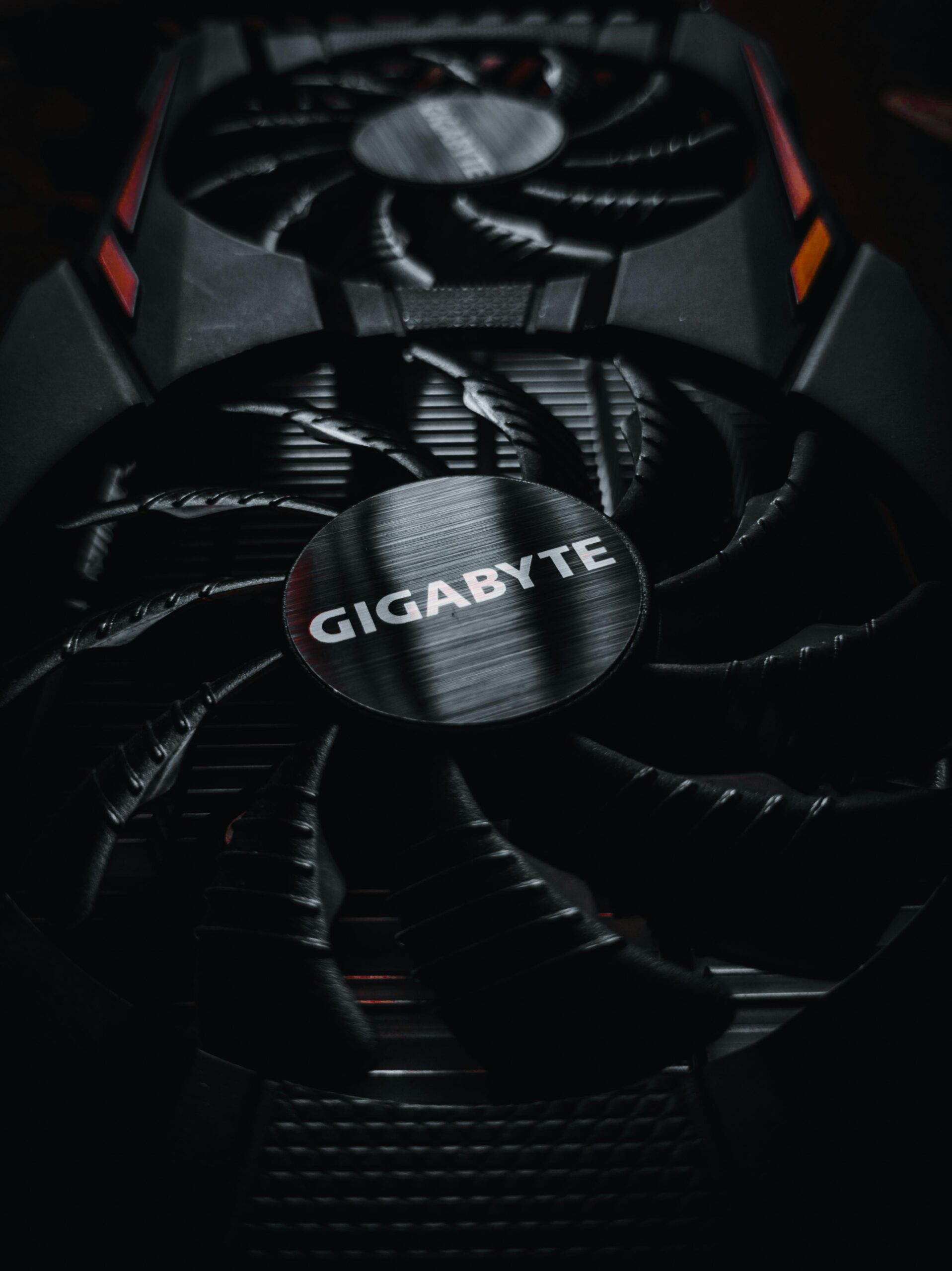
Optimizing GPU Cooling with Aftermarket Fans: Complete Guide for Better Performance
Modern graphics cards generate significant heat, especially during high-performance gaming, 3D rendering, AI workloads, and extended computing sessions. While stock coolers are designed to keep temperatures within safe limits, they are not always the most efficient or quietest option. This is where aftermarket GPU fans and cooling upgrades make a dramatic difference. By replacing or supplementing your GPU’s original cooling system, you can unlock lower temperatures, quieter operation, more consistent boost clocks, increased FPS, and potentially even a longer lifespan for your graphics card.
This comprehensive guide covers everything you need to know about optimizing GPU cooling using aftermarket fans. You will learn how they work, what benefits they offer, the top types available, installation tips, common mistakes to avoid, and how to choose the perfect upgrade for your graphics card. Whether you’re building a high-end gaming PC, a content creation workstation, or simply want cooler and quieter performance, this guide will help you make informed decisions.
Why Upgrade to Aftermarket GPU Fans?
Aftermarket GPU fans provide measurable advantages over standard cooling designs. Most GPUs rely on stock coolers that balance cost and performance, but not necessarily peak thermal efficiency. Upgrading can unlock additional cooling capacity and improve overall GPU performance.
- Lower GPU core and VRAM temperatures
- Reduced fan noise during gaming or rendering
- Higher sustained boost clocks for better performance
- Extended GPU lifespan by lowering thermal stress
- Customizable airflow direction and pressure
- Support for overclocking and undervolting
- Ability to replace failing stock fans
These benefits are especially important for older GPUs, high-end models with aggressive heat output, and small-form-factor systems with limited airflow.
Types of Aftermarket GPU Cooling Solutions
Before choosing a cooling upgrade, it’s important to understand the different types of aftermarket GPU coolers and fans. Each option has unique advantages that suit different use cases.
1. Drop-In Replacement GPU Fans
These are direct replacements for the original fans that attach to your GPU’s stock heatsink. They are ideal for users who want improved performance without modifying the cooling system.
- Affordable option
- Simple installation
- Compatible with original shrouds
- Restores performance on aging or failing fans
- Better quality bearings reduce noise
You can find compatible drop-in replacements at {{AFFILIATE_LINK}}.
2. Full Aftermarket GPU Cooling Kits
These kits replace both the heatsink and fan assembly with a more advanced cooling design. They often use larger heatsinks, multiple heat pipes, and high-performance fan modules to deliver superior thermal performance.
- Significant temperature reduction compared to stock coolers
- Improved heat dissipation surface area
- Supports quieter fan curves
- Often compatible with fan control software
These kits are recommended for enthusiasts seeking maximum cooling performance.
3. Case-Mounted Fans for GPU Airflow Support
Sometimes the GPU cooler itself is adequate, but the case airflow limits performance. Adding case-mounted fans can dramatically improve how efficiently hot air is expelled.
- Greatly improves fresh air delivery
- Reduces GPU thermal throttling
- Enhances overall system airflow
- Affordable and compatible with any GPU
Ideal case fan layouts are discussed later in this guide.
4. Hybrid and AIO GPU Cooling
Hybrid GPU coolers combine air and liquid cooling. They use an AIO radiator to cool the GPU core while fans handle VRAM and VRM cooling.
- Extremely low GPU temperatures
- Quiet operation at high loads
- Excellent for overclocking
- Requires careful installation
Although more complex, hybrid coolers offer some of the best thermal performance available.
Key Features to Look for in Aftermarket GPU Fans
When shopping for aftermarket GPU fans, several important features determine their cooling and noise performance. Understanding these features ensures you choose a solution that matches your GPU and system requirements.
Fan Size and Compatibility
GPUs use fan sizes that vary between 75mm and 120mm. Ensure you select fans specifically compatible with your GPU model. Universal kits list supported models on their product pages.
Static Pressure vs. Airflow
Static pressure is important for pushing air through heatsinks, while airflow measurements describe total ventilation capability. For GPU cooling:
- High static pressure fans are ideal for heatsinks
- High airflow fans work best as case fans
Fan Bearing Type
The bearing type directly impacts noise levels and lifespan:
- Sleeve bearings: budget, shorter lifespan
- Ball bearings: long-lasting, slightly louder
- Fluid dynamic bearings: quiet and durable
High-quality fans with fluid dynamic bearings are recommended for long-term performance.
RPM Range and Fan Control
Choose fans with a broad RPM range to allow flexible control. Many aftermarket fans support PWM (Pulse Width Modulation) for more precise speed adjustments.
Comparison: Stock GPU Coolers vs. Aftermarket GPU Fans
| Feature | Stock GPU Coolers | Aftermarket GPU Fans |
| Cooling Performance | Moderate | High to Excellent |
| Noise Level | Can be loud under load | Quieter with better bearings |
| Longevity | Varies by manufacturer | Often longer-lasting |
| Customization | Very limited | Highly customizable |
| Airflow Capacity | Standard | Optimized for performance |
How to Install Aftermarket GPU Fans
Installing aftermarket GPU fans is straightforward, but requires careful handling to avoid damaging delicate components. Always follow manufacturer instructions, and work slowly and methodically.
1. Remove the GPU’s Stock Cooler
- Power off the PC and unplug the power supply
- Remove the GPU from the PCIe slot
- Unscrew the backplate and cooler screws
- Unplug the stock fan connectors
Handle the PCB carefully to avoid static damage.
2. Clean and Prepare the GPU
- Remove old thermal paste from the GPU die
- Clean VRAM and VRM surfaces if required
- Apply new thermal paste
3. Install the Aftermarket Cooling System
- Align the heatsink and fan module
- Secure the mounting screws evenly
- Connect fan power cables
- Ensure no cables interfere with fan blades
Once installed, reinstall the GPU inside the case.
Optimizing Case Airflow for Better GPU Cooling
Even the best aftermarket GPU fans require sufficient case airflow to operate effectively. A well-ventilated case ensures cool air intake and efficient removal of hot air.
- Use at least two front intake fans
- Have at least one rear or top exhaust fan
- Maintain positive pressure to reduce dust buildup
- Ensure cables do not restrict airflow
- Consider vertical GPU mounting for improved cooling
For additional guidance on PC build optimization, visit {{INTERNAL_LINK}}.
Best Aftermarket GPU Fans and Coolers (Recommended)
Below are popular aftermarket GPU cooling solutions that consistently perform well. Replace with your preferred brands using {{AFFILIATE_LINK}} placeholders.
- Arctic Accelero Xtreme IV – {{AFFILIATE_LINK}}
- Gelid Solutions Icy Vision – {{AFFILIATE_LINK}}
- NZXT Kraken G12 (AIO bracket) – {{AFFILIATE_LINK}}
- Replacement fan kits for ASUS, MSI, Gigabyte, EVGA – {{AFFILIATE_LINK}}
These coolers are known for their reliability, efficiency, and quiet operation.
Common Mistakes to Avoid When Upgrading GPU Fans
To ensure a smooth upgrade experience, avoid these common pitfalls:
- Using incompatible fan models
- Failing to clean old thermal paste
- Installing heatsinks with uneven pressure
- Neglecting VRM or VRAM cooling components
- Blocking airflow paths with cables
- Using low-quality thermal pads or paste
Final Tips for Maximizing GPU Cooling Efficiency
Aftermarket fans are just one piece of the cooling puzzle. To get the best results, combine quality fans with good airflow management and proper thermal paste application. Regular dust cleaning and temperature monitoring also ensure your GPU performs reliably for years.
A combination of smart component selection, strategic airflow improvement, and proper maintenance leads to significantly cooler and quieter GPU operation.
FAQ
Are aftermarket GPU fans worth it?
Yes, especially for users with high-performance workloads or those experiencing thermal throttling. They lower temperatures, reduce noise, and improve performance.
Do aftermarket GPU coolers void warranties?
In many cases, removing the stock cooler voids the warranty. Check your manufacturer’s policy before upgrading.
Can aftermarket fans help older GPUs?
Absolutely. Replacing worn-out or noisy fans can extend the lifespan of older graphics cards significantly.
Is liquid cooling better than air cooling for GPUs?
Liquid cooling provides lower temperatures but is more complex and costly. Air cooling is simpler and adequate for most users.
Where can I find compatible aftermarket GPU fans?
You can browse recommended fan kits and cooling solutions at {{AFFILIATE_LINK}}.









