
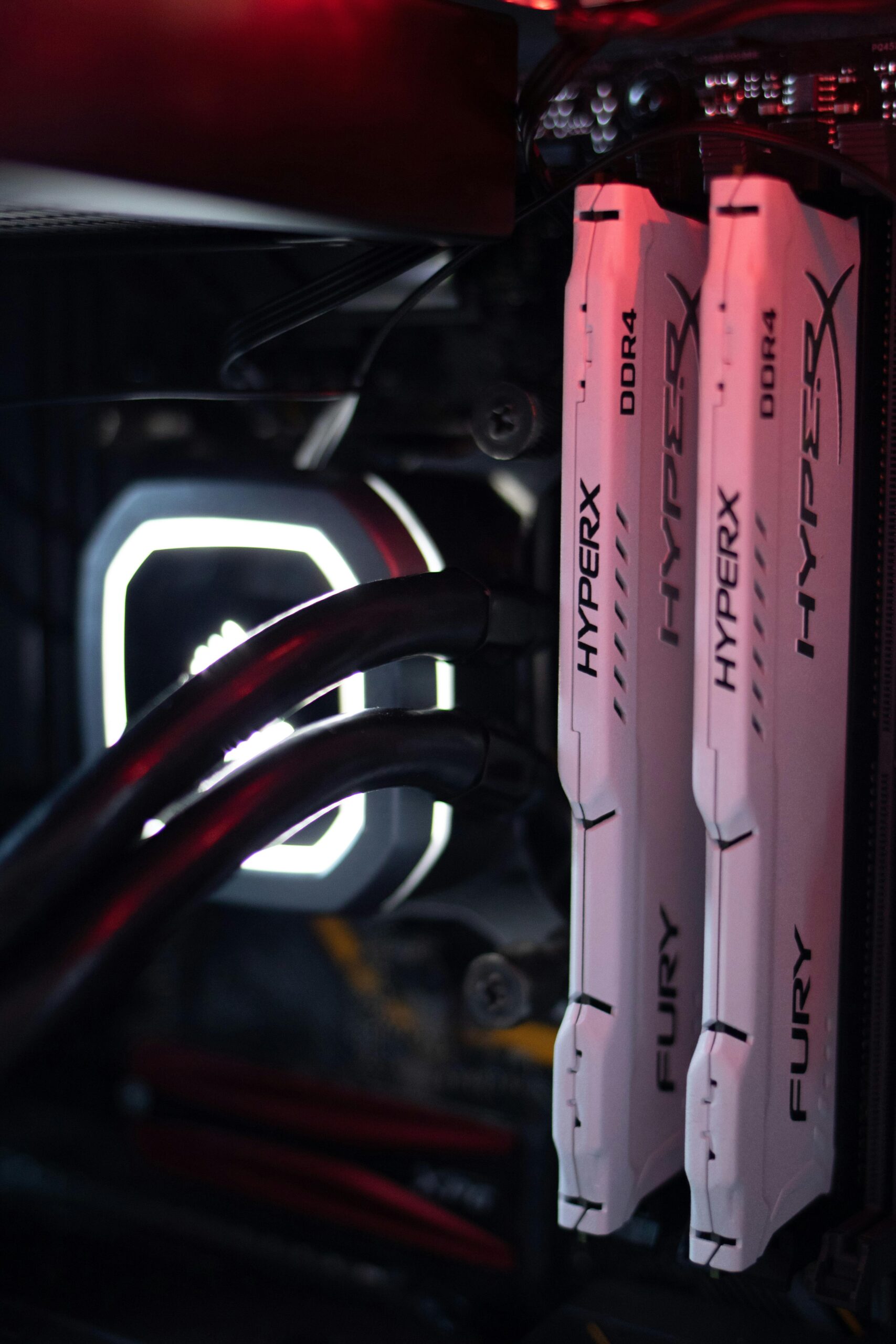
RAM Overclocking Stability Testing: The Complete Expert Guide
Introduction to RAM Overclocking Stability Testing
RAM overclocking has become a popular technique among PC enthusiasts, gamers, and professionals who want to unlock additional system performance. When done correctly, overclocking system memory can provide snappier application loads, higher FPS in games, smoother multitasking, and faster data transfer speeds. But to enjoy these benefits without negative consequences, users must perform proper RAM overclocking stability testing.
Stability testing ensures that your memory overclock is safe, reliable, and free from hidden errors that can damage data or crash the system. Even a mild instability can result in blue screens, corrupted files, or unexpected freezes. This article explains everything you need to know about RAM overclocking stability testing, including how to test, recommended tools, troubleshooting, best practices, and how to approach safe but effective overclocking.
Why RAM Overclocking Requires Stability Testing
Overclocking RAM involves increasing memory frequency, tightening timings, modifying secondary and tertiary timings, or increasing DRAM voltage. Each of these adjustments can introduce instability. Unlike CPU overclocks, RAM instability is often subtle. You may experience no immediate crashes, yet silent data corruption may occur in the background. This is why thorough and extended stability testing is mandatory.
- Detect memory errors early
- Prevent crashes during gaming or workloads
- Avoid corrupting important files or applications
- Ensure consistent performance across all software
- Verify that voltage and temperatures remain within safe ranges
Essential Tools for RAM Overclocking Stability Testing
Several tools have become industry standards for stress testing memory. Below are the most effective, widely used, and reliable testing utilities.
1. MemTest86
MemTest86 performs a thorough memory test outside of the operating system, ensuring that no background processes interfere. The tool can detect even minor memory errors caused by overclocking. You can run it via a bootable USB. Many professionals consider MemTest86 an essential stability testing step.
2. HCI MemTest
HCI MemTest is a Windows-based utility renowned for detecting subtle instabilities. Running multiple instances in parallel until reaching 400–1000% coverage is typically recommended.
3. Karhu RAM Test
Karhu RAM Test provides a fast and accurate stability testing environment inside Windows. It is particularly effective for high-frequency and aggressive timing overclocks. While it’s a paid tool, many overclockers consider it an invaluable investment.
4. TestMem5 (TM5) with Custom Configurations
TM5 combined with custom diagnostic profiles, such as “Extreme1” or “Absolut”, delivers intensive stress workloads. Many enthusiasts use TM5 for quick validation during iterative tuning.
5. Prime95 Blend Mode
Although primarily a CPU stress tool, Prime95’s Blend test stresses memory as well. It is not as accurate as dedicated RAM testing tools, but it’s helpful for additional validation.
How to Prepare Before Testing RAM Stability
Preparation is essential for a smooth testing session. Before running stability tests, make sure to follow these steps:
- Update the motherboard BIOS
- Record your baseline RAM settings
- Ensure proper cooling and adequate airflow
- Monitor DRAM and SOC voltage limits
- Close unnecessary background applications
If you are new to overclocking, consider reviewing foundational guides available at {{INTERNAL_LINK}} for additional background knowledge.
Step-by-Step RAM Stability Testing Process
1. Establish a Baseline
Start by loading your motherboard’s default memory profile (JEDEC) or enabling XMP/EXPO. Perform quick stability checks at stock speeds. This creates a known-good baseline before pushing overclocking further.
2. Increase Memory Frequency
Most RAM kits overclock by increasing frequency first. For example, if your rated speed is 3200 MHz, you may try 3466, 3600, or 3800 MHz. Keep your timings unchanged initially.
3. Adjust Primary Timings
After you find the maximum stable frequency, you can tighten timings such as CAS Latency (CL), tRCD, tRP, and tRAS. Small changes should be tested individually rather than all at once.
4. Tune Secondary and Tertiary Timings
Advanced overclockers may tune these for additional performance. However, small adjustments can cause instability. Thorough testing is crucial.
5. Perform Full Stability Testing
Once your overclock is configured, run long-duration stability tests. A typical testing strategy includes:
- MemTest86 for at least 2 full passes
- HCI MemTest to 400–1000% coverage
- TM5 1–3 cycles using a custom config
- Prime95 Blend for 1–2 hours
- Karhu RAM Test for 3000–5000% coverage (optional)
Recommended Testing Time for Stability
There is no universal time requirement, but here are typical recommendations:
| MemTest86 | 2–4 hours |
| HCI MemTest | 4–12 hours |
| Karhu RAM Test | 2–6 hours |
| TM5 (Custom Config) | 30–90 minutes |
| Prime95 Blend | 1–2 hours |
Combining multiple tools ensures you eliminate false positives and confirm full stability.
Signs Your RAM Overclock Is Unstable
You may encounter instability symptoms even outside of testing software. These can include:
- Blue screen errors (WHEA, MEMORY_MANAGEMENT, IRQL_NOT_LESS_OR_EQUAL)
- Random freezes during gaming or productivity tasks
- Failure to boot or BIOS recovery screen
- Application crashes or corrupted files
- Lower-than-expected benchmark performance
How to Fix RAM Instability
If your testing reveals errors, there are several corrective steps you can take:
1. Increase DRAM Voltage Slightly
Most DDR4 kits use 1.35V. You can often raise this to 1.37–1.45V depending on the kit. DDR5 kits commonly allow 1.25–1.35V safely. Always consult manufacturer recommendations.
2. Raise SOC Voltage (AMD Systems)
For DDR4 Ryzen systems, SOC typically ranges 1.0–1.1V. For DDR5 platforms, settings vary. Avoid excessive SOC voltage as it may degrade the CPU’s memory controller.
3. Loosen Primary Timings
If timings such as CL14 or CL16 are too aggressive, loosening them one step can restore stability.
4. Reduce Memory Frequency
Sometimes your IMC (Integrated Memory Controller) cannot handle very high speeds. Dropping frequency by one step can produce stable results with minimal performance loss.
5. Improve Cooling
Better airflow and heatsinks can prevent thermal instability. High DRAM voltages generate extra heat.
Best Practices for Safe RAM Overclocking Stability Testing
- Do not stress test overnight before verifying temperatures
- Avoid exceeding voltage limits recommended by RAM manufacturers
- Test incrementally rather than all changes at once
- Document every setting for easy restoration
- Use UPS backup power for long-duration tests
Recommended RAM Kits for Overclocking
If you’re planning to upgrade your RAM and want a kit known for excellent overclocking headroom, consider the following options:
- High-performance DDR4 kits available at {{AFFILIATE_LINK}}
- Top-tier DDR5 memory modules engineered for overclocking at {{AFFILIATE_LINK}}
When to Stop Testing
Most users consider an overclock stable when it passes multiple testing suites without errors, operates smoothly in daily workloads, and shows no unexpected system behavior. Professionals who rely on mission-critical applications may test longer, while gamers may accept mild instability risks if they prefer tighter timings or higher speeds.
Real-World Workload Validation
Beyond synthetic stress tests, it is wise to test RAM stability using real-world workloads:
- Run your most demanding games
- Perform heavy multitasking
- Render videos or encode large media files
- Test virtual machine workloads
- Compile large codebases
If your memory settings survive real tasks without crash or data loss, the overclock is likely reliable.
FAQ
How long should I test my RAM overclock?
A reasonable duration is 4–12 hours across multiple tools. For critical work systems, test even longer.
Is RAM overclocking dangerous?
When voltages remain within safe guidelines, RAM overclocking is relatively safe. Instability risks data corruption, which is why testing is essential.
Do I need to test both frequency and timings separately?
Yes. Each adjustment can introduce instability, so test individually whenever possible.
What is the best RAM stability test tool?
Most enthusiasts use a combination of MemTest86, HCI MemTest, Karhu RAM Test, and TM5 to ensure thorough stability.
Can RAM instability damage hardware?
Hardware damage is unlikely, but software corruption and OS instability can occur if you skip testing.
Conclusion
RAM overclocking stability testing is one of the most important steps in performance tuning. By combining the right stress-testing tools, methodical adjustments, and detailed monitoring, you can achieve a stable and efficient memory overclock. Whether you’re tuning for gaming, productivity, or benchmarking, proper testing ensures you enjoy performance gains without compromising system reliability.









