
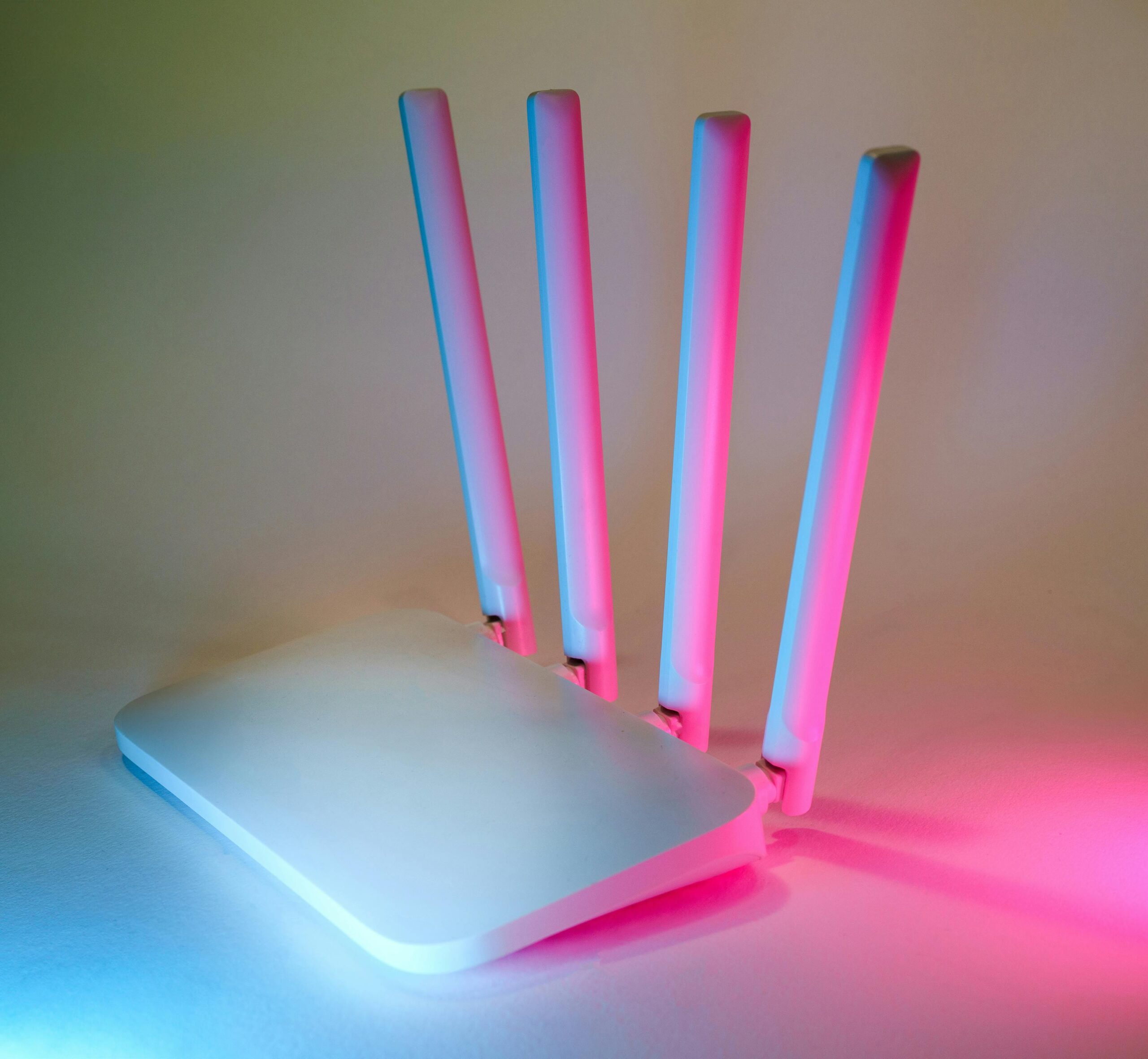
Remote Access Solutions for Your Home Server: The Complete Guide
Managing a home server has never been more accessible, thanks to modern remote access solutions that allow you to connect to your system from anywhere in the world. Whether you’re running a media server, file server, personal cloud, or development environment, remote access unlocks convenience, flexibility, and enhanced productivity. This guide explores the top methods, tools, and best practices to securely access your home server no matter where you are.
Why You Need Remote Access for Your Home Server
A home server can serve many functions—from centralized storage and network-wide backups to smart home automation and media streaming. But without remote access, you’re limited to managing and using the server only when you’re physically at home. A proper remote access setup lets you:
- Manage files from any device and any location.
- Monitor home-server health, resource usage, and uptime.
- Access development environments or self-hosted services away from home.
- Support family members or troubleshoot issues remotely.
- Enjoy mobile access to media libraries and personal cloud storage.
However, convenience must always be balanced with security. This article covers remote access solutions that prioritize data protection while keeping your setup easy to use.
Types of Remote Access Solutions
There are several categories of remote access tools available today. Choosing the right one depends on your server use case, your security comfort level, and the technical complexity you’re willing to handle.
1. VPN (Virtual Private Network) Access
A VPN is one of the safest and most popular ways to access your home server remotely. It creates an encrypted tunnel between your device and your home network, allowing you to interact with your server as if you were physically connected to your local network.
Key advantages include strong encryption, compatibility with most home server setups, and the ability to access not only the server but also all other devices on the network.
2. Secure Shell (SSH)
SSH is ideal for advanced users who enjoy command-line control. It offers highly secure access to your home server, especially while performing administrative tasks or managing Linux-based systems. SSH keys make this method even safer than traditional password-based logins.
3. Remote Desktop Protocol (RDP)
For Windows-based home servers, RDP provides a full graphical interface for remote control. Many users appreciate RDP’s intuitive interface, making it easy to manage applications and file systems without using terminal commands.
4. Web-Based Remote Access Tools
Several web-based tools enable secure access to specific server applications. Solutions like Nextcloud, Plex, Jellyfin, or a self-hosted dashboard provide browser-accessible interfaces with minimal configuration, often paired with secure HTTPS connections.
5. Zero-Configuration Tools (Tailscale, ZeroTier)
Modern mesh-VPN solutions such as Tailscale and ZeroTier eliminate the complexity of traditional VPNs. They work by creating a secure overlay network between devices, simplifying connectivity while maintaining strong encryption. These tools are popular for their zero-port-forwarding setup and ease of use.
Comparison of Popular Remote Access Methods
The following table compares major remote access approaches based on security, ease of use, and common use cases.
| Method | Security | Ease of Use | Best For |
| VPN | High | Moderate | General home server access |
| SSH | Very High | Moderate–Advanced | Linux administrative tasks |
| RDP | Medium–High | Easy | Windows server management |
| Web Interfaces | Medium | Very Easy | Apps like Plex, Nextcloud |
| Tailscale / ZeroTier | Very High | Easy | Simple, secure, modern access |
Setting Up Remote Access Safely
Remote access requires a strong focus on security to prevent unauthorized entry into your home network. Here are essential security measures to implement when enabling remote access:
Use Strong Passwords and SSH Keys
Password security remains a major factor in protecting home servers. Use long, unique passwords or passphrases. For SSH, always opt for SSH key-based authentication instead of passwords to reduce the risk of brute-force attacks.
Enable Two-Factor Authentication
Many remote access tools now support two-factor authentication (2FA). Enabling 2FA adds an extra layer of protection by requiring a second verification method, such as an app-generated code.
Avoid Exposing Ports Directly to the Internet
Port forwarding remains a common way to enable remote access, but it can expose your system to attackers. Modern solutions like Tailscale eliminate the need for port forwarding entirely, keeping your network safer.
Use HTTPS and Encrypted Protocols
Never use unencrypted connections for remote access. Ensure that all web portals are accessed via HTTPS, and tools like SSH and VPNs are configured to use strong encryption protocols.
Best Tools for Remote Access to Your Home Server
Below are some of the most reliable remote access tools available today. Affiliate links are included for convenience.
1. Tailscale
Tailscale is a simple, secure mesh VPN that doesn’t require complex network configuration. It uses WireGuard for encryption and works across all major platforms.
Learn more or sign up: Tailscale Official Page
2. ZeroTier
ZeroTier offers secure peer-to-peer networking with excellent performance. It’s ideal for connecting multiple devices through a virtual private network.
Get ZeroTier: ZeroTier Download
3. OpenVPN
OpenVPN is a long-trusted solution for secure remote access. The OpenVPN Access Server makes server-side configuration manageable even for beginners.
OpenVPN Access Server: OpenVPN
4. Remote Desktop Software
For full graphical control, tools like Microsoft Remote Desktop or AnyDesk make remote management simple. These are especially great for Windows-based servers.
Try AnyDesk: AnyDesk
5. Nextcloud
If your primary need is remote file access and personal cloud storage, Nextcloud offers a robust web-based interface and mobile apps. It supports HTTPS, multi-user access, and advanced sharing controls.
Explore Nextcloud: Nextcloud Info
Choosing the Right Remote Access Method for Your Needs
Selecting the best remote access solution depends on what kind of home server setup you run. Here are some recommendations:
- If you want full network access: Use Tailscale or OpenVPN.
- If you primarily work with command-line management: Choose SSH with key authentication.
- If you want an interface similar to using the server in person: Use RDP or a remote desktop tool.
- If your server hosts apps like media servers or file clouds: Enable secure HTTPS access to those services.
For more detailed setup guides, visit our internal resource: Home Server Tutorials
Common Problems and Troubleshooting Remote Access
Slow Connection Speeds
This is often due to upload bandwidth limitations on home internet connections. Consider upgrading your internet plan or optimizing your VPN settings.
Failed Connections
Check your firewall settings, ensure the remote device is allowed through your VPN or overlay network, and confirm that your server is powered on and reachable.
Security Warnings
Always pay attention to browser or system warnings. They may indicate certificate issues, outdated encryption protocols, or misconfigured settings.
Conclusion
Remote access solutions for your home server have evolved to become extremely secure, user-friendly, and versatile. Whether you’re managing your personal cloud, monitoring your smart home devices, or running a media server, there is a perfect remote access method for your needs. By selecting secure tools like VPNs, SSH, or mesh-based solutions such as Tailscale, you ensure safe and seamless access wherever you go.
FAQ
What is the safest remote access method for a home server?
SSH with key authentication or a secure VPN like Tailscale or OpenVPN is considered the safest approach.
Do I need to open ports for remote access?
Not always. Modern solutions like Tailscale avoid the need for port forwarding entirely.
Can I access my home server from my phone?
Yes. Many remote access apps support Android and iOS, including VPN apps, SSH clients, and web dashboards.
Is RDP safe for remote access?
RDP is safe when properly configured with strong passwords, 2FA, and VPN protection.
What if my ISP uses CGNAT?
If your ISP uses CGNAT, tools like Tailscale or ZeroTier are ideal since they require no port forwarding.









