-
VMware Resource Allocation Best Practices

VMware Resource Allocation Best Practices VMware Resource Allocation Best Practices Efficient VMware resource allocation is essential for achieving optimal performance, stability, and scalability across virtualized environments. As organizations continue to adopt virtualization to reduce hardware costs and increase flexibility, properly allocating computing, memory, storage, and network resources becomes a foundational part of managing VMware vSphere
-
Overclocking Profiles: How to Save and Test Them

Overclocking Profiles: How to Save and Test Them Overclocking Profiles: How to Save and Test Them Introduction to Overclocking Profiles Overclocking profiles allow you to store specific performance configurations for your CPU, GPU, RAM, or even entire system settings. These profiles are essential for anyone who experiments with pushing hardware to higher performance levels. Whether
-
Advanced Overclocking Techniques for Enthusiasts

Advanced Overclocking Techniques for Enthusiasts Advanced Overclocking Techniques for Enthusiasts Introduction to Advanced Overclocking Overclocking has evolved from a fringe hobby to a mainstream performance-enhancing practice embraced by PC enthusiasts around the world. While basic overclocking guides typically cover adjusting clock speeds and toggling standard BIOS settings, advanced overclocking techniques delve deeper into voltage tuning,
-
Overclocking Myths Debunked: The Ultimate Guide to Performance Truths
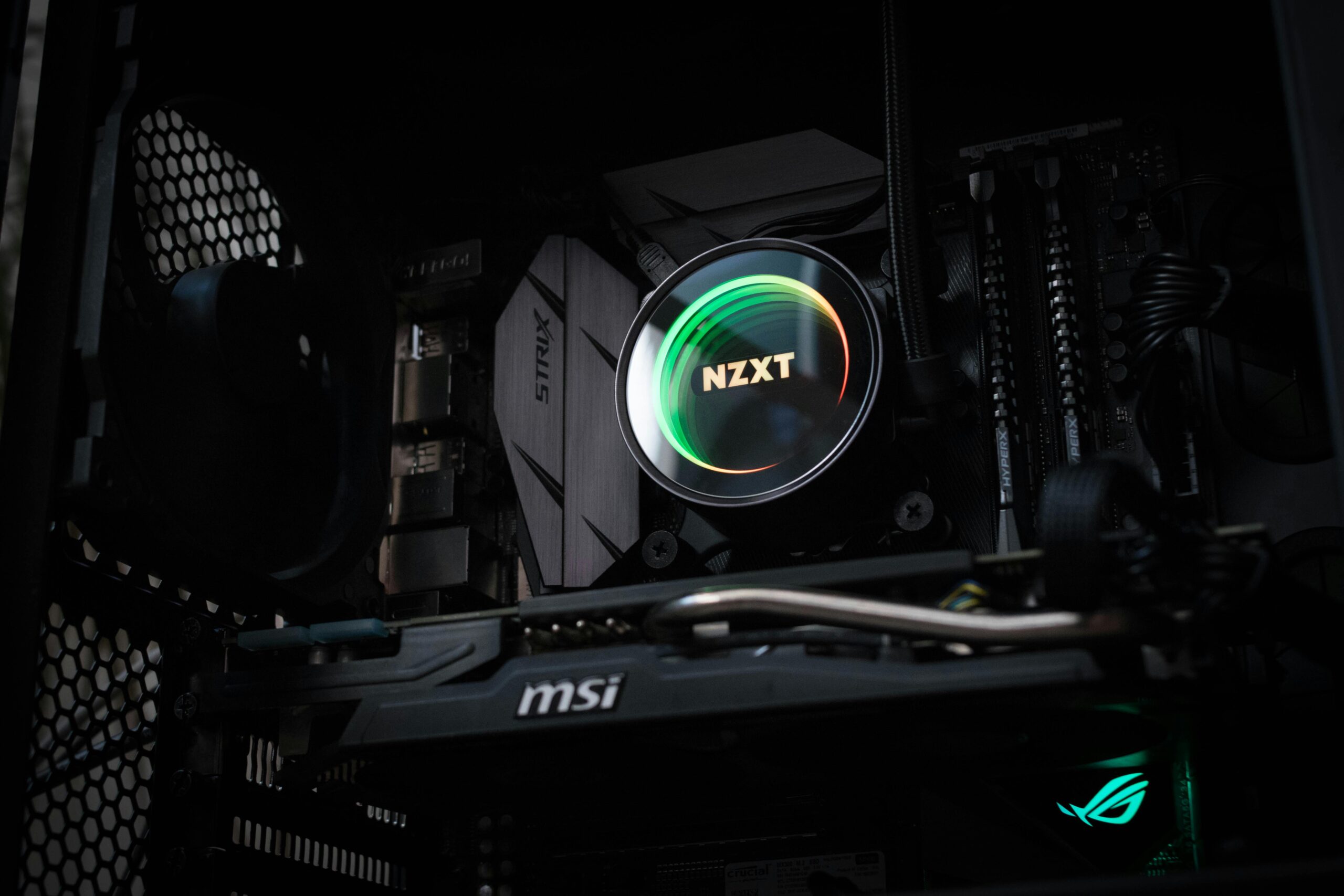
Overclocking Myths Debunked: The Ultimate Guide to Performance Truths Introduction to Overclocking Myths Overclocking has long been a hot topic in the PC enthusiast world, with some users claiming miraculous performance gains and others warning of catastrophic hardware failures. The truth lies somewhere in between, but widespread misinformation often leads beginners to misunderstand what overclocking
-
Safe Overclocking Practices for Beginners

Safe Overclocking Practices for Beginners Introduction to Safe Overclocking Overclocking allows users to push their CPU, GPU, and memory beyond factory-rated speeds to achieve better performance in gaming, productivity, content creation, and benchmarking. While overclocking can unlock significant performance improvements, it must be approached safely and methodically—especially for beginners. Without proper knowledge, users risk system
Search
Archive
Recent Posts
- Deploying a CI/CD Pipeline in a Home Lab: Complete Step-by-Step Guide

- Proxmox Cluster Setup for Multiple Home Servers: A Complete Guide

- Home Lab Security: Firewalls, VLANs, and Segmentation

- Optimizing Storage I/O on Home NAS Devices: Complete Guide for Maximum Performance

- Setting Up VPN for Home Lab Remote Access: A Complete Guide

Gallery





